

Time Tracking for sevdesk
Use timeBuzzer with sevdesk to accurately track project hours and create invoices in just a few clicks.

Quick facts
sevdesk @ timeBuzzer
Combine sevdesk with timeBuzzer to bill your customers, projects, and services more easily and accurately.
How it works with timeBuzzer
- Easily connect timeBuzzer with sevdesk (authentication via sevdesk API token)
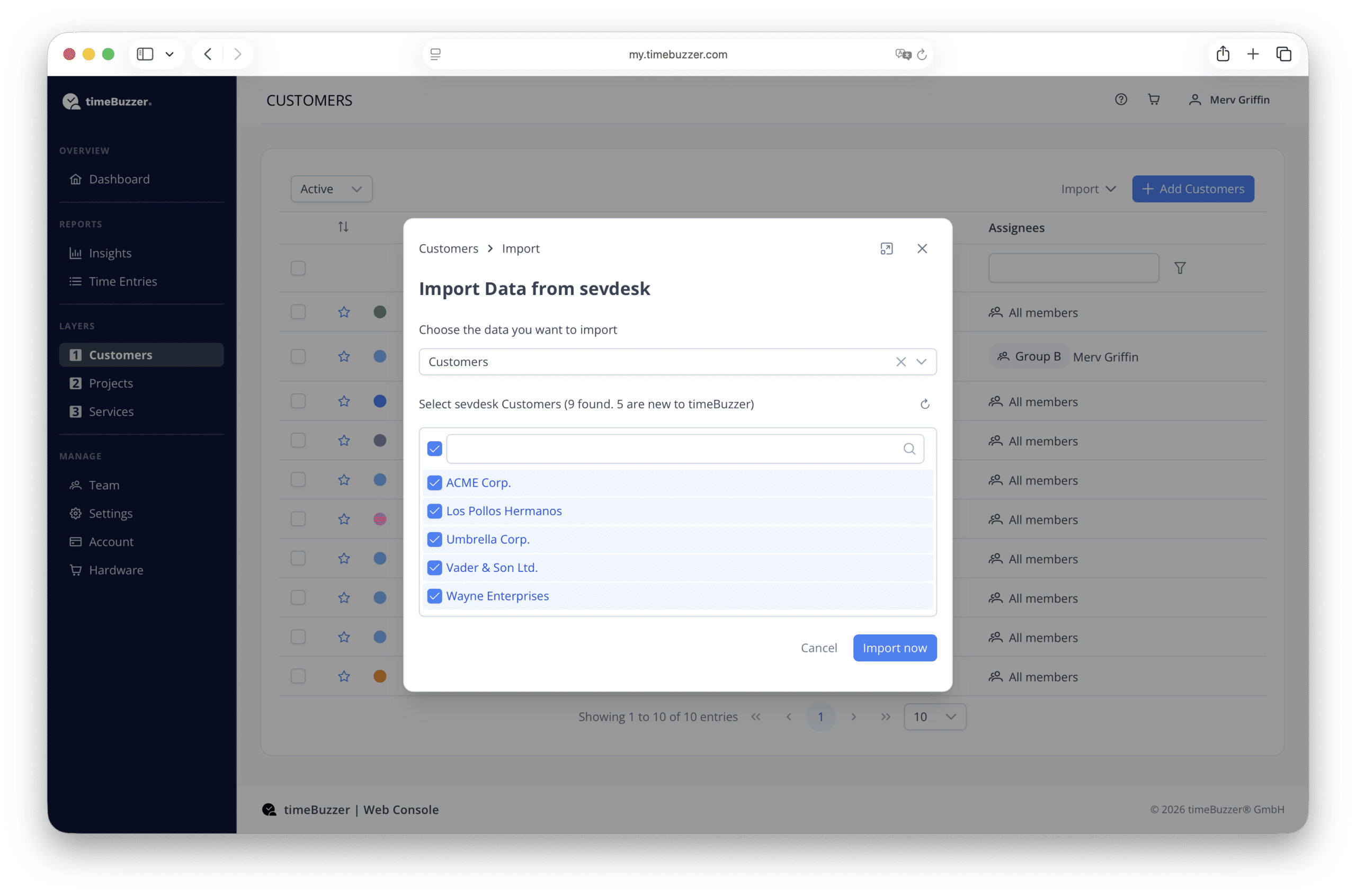
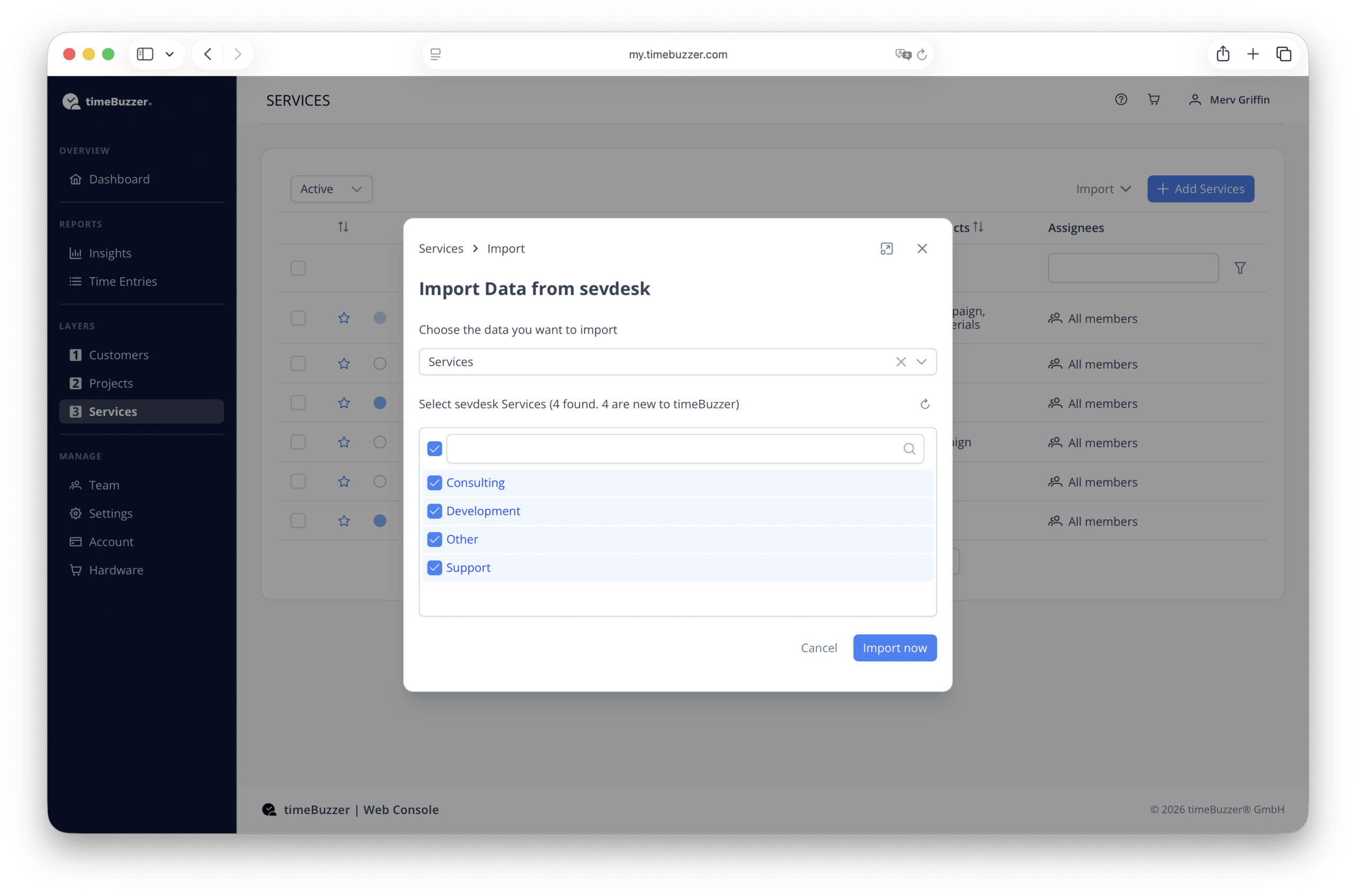
- Import customers and services from sevdesk
- Record times easily and accurately with timeBuzzer
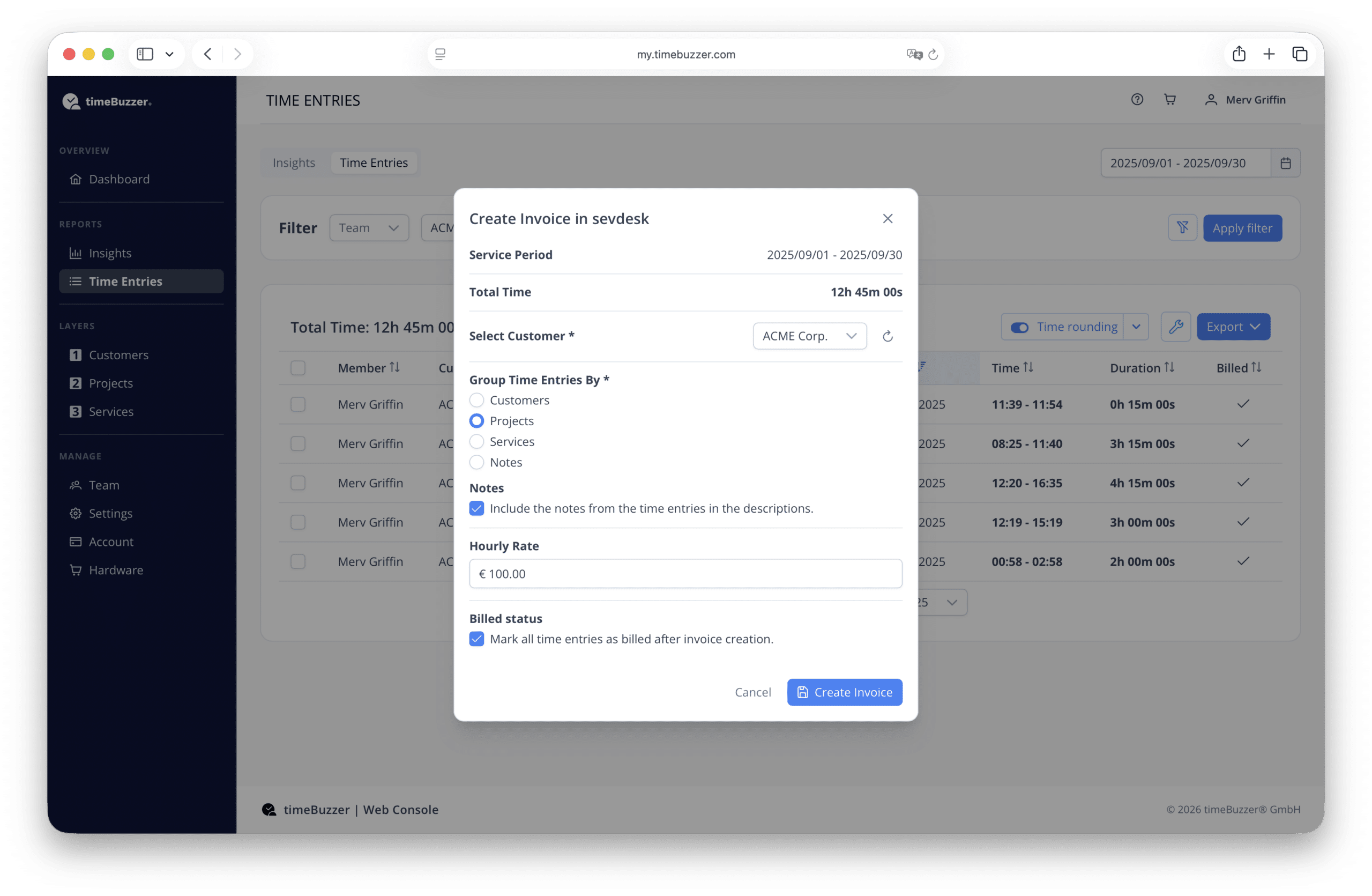
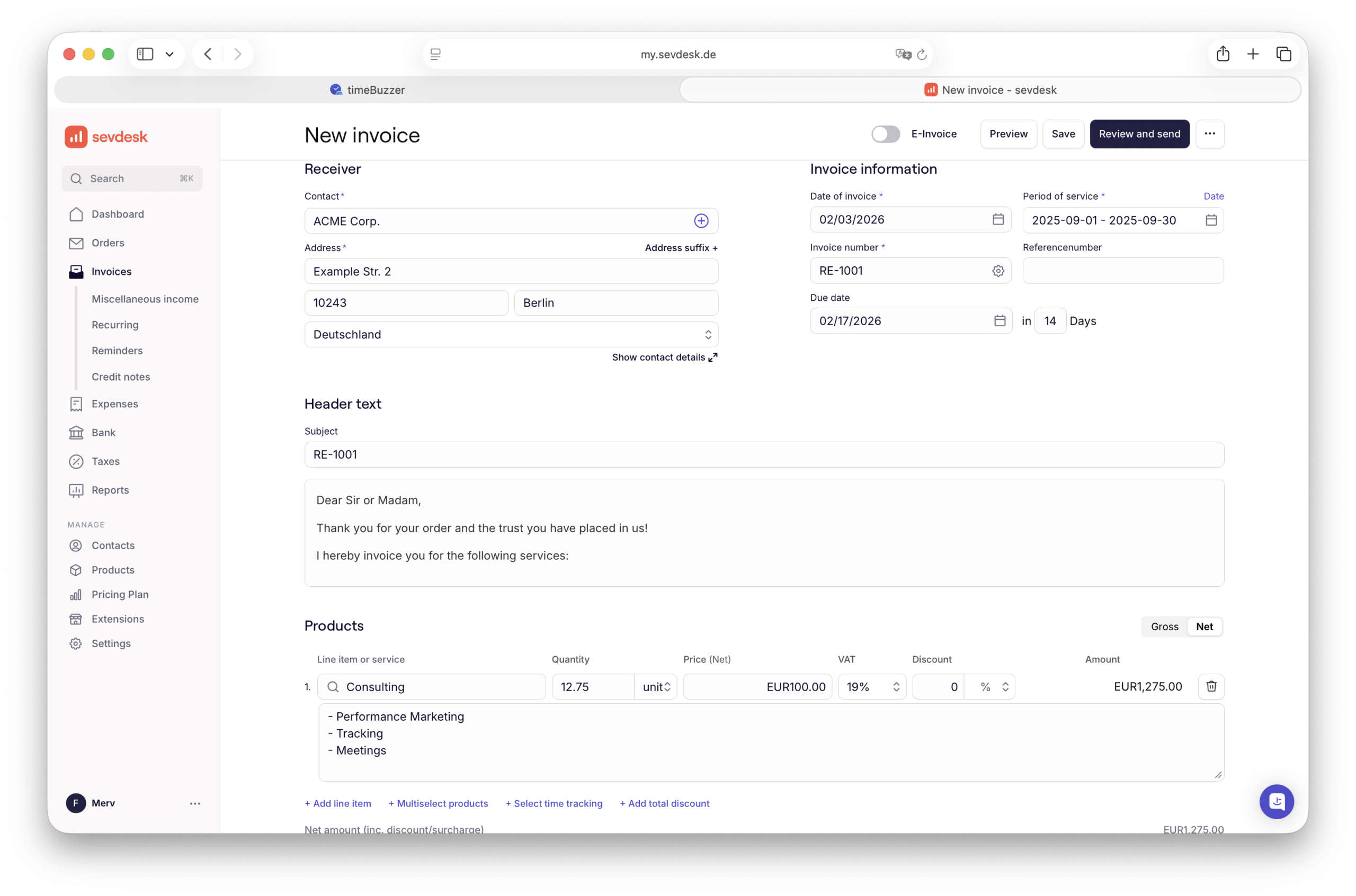
- Create sevdesk invoices directly from your tracked time.
- Complete and send invoices in sevdesk
- Mark invoiced time entries in timeBuzzer
Requirements
How to connect
The initial connection between timeBuzzer and sevdesk is simple:
- Log in to your timeBuzzer account
- Go to Settings > Integrations > sevdesk
- Click “Connect to sevdesk”
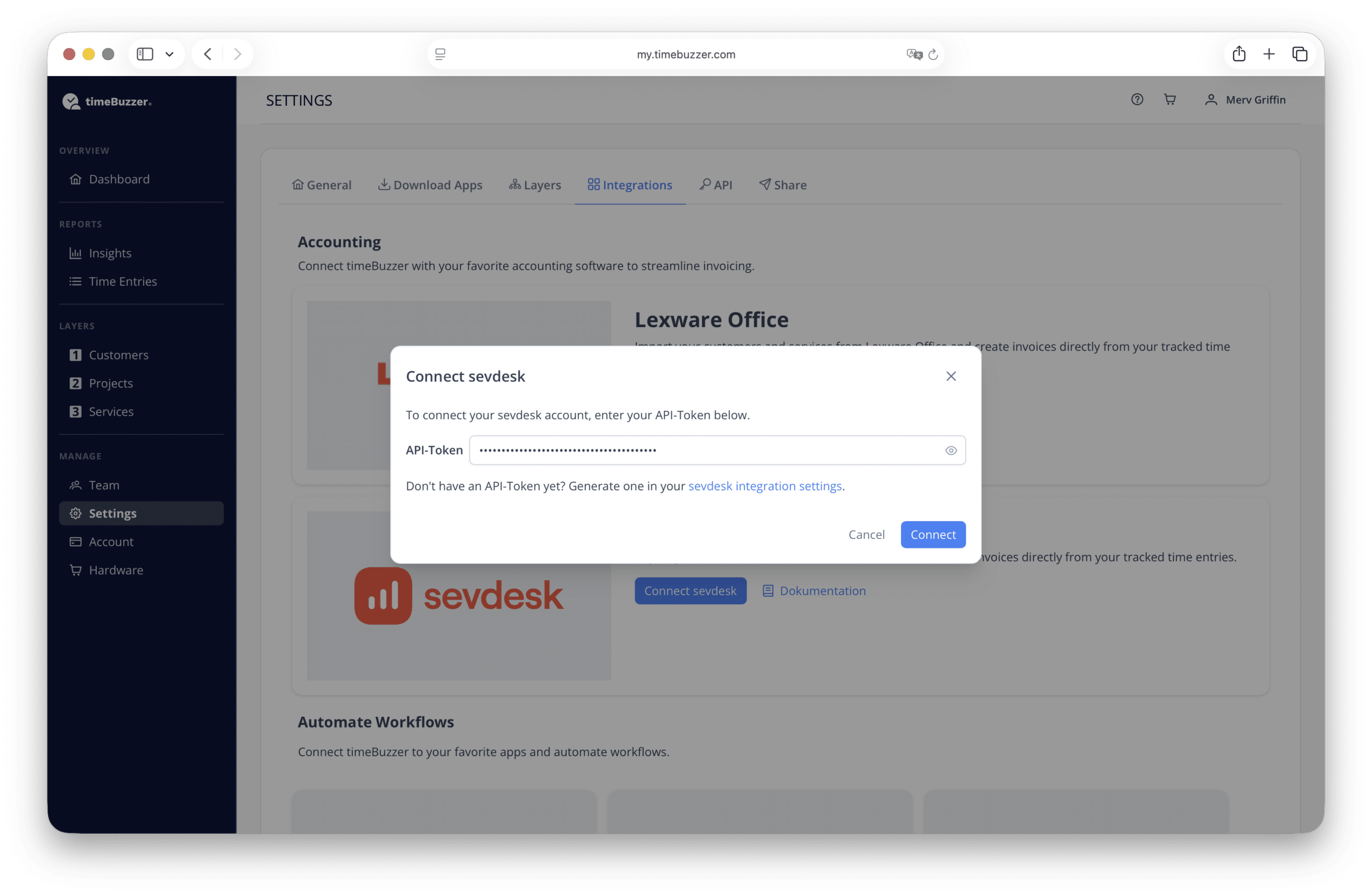
- Enter your sevdesk API token (Can be generated in sevdesk)
- Click “Connect” to connect timeBuzzer to sevdesk
Description
How sevDesk supports you
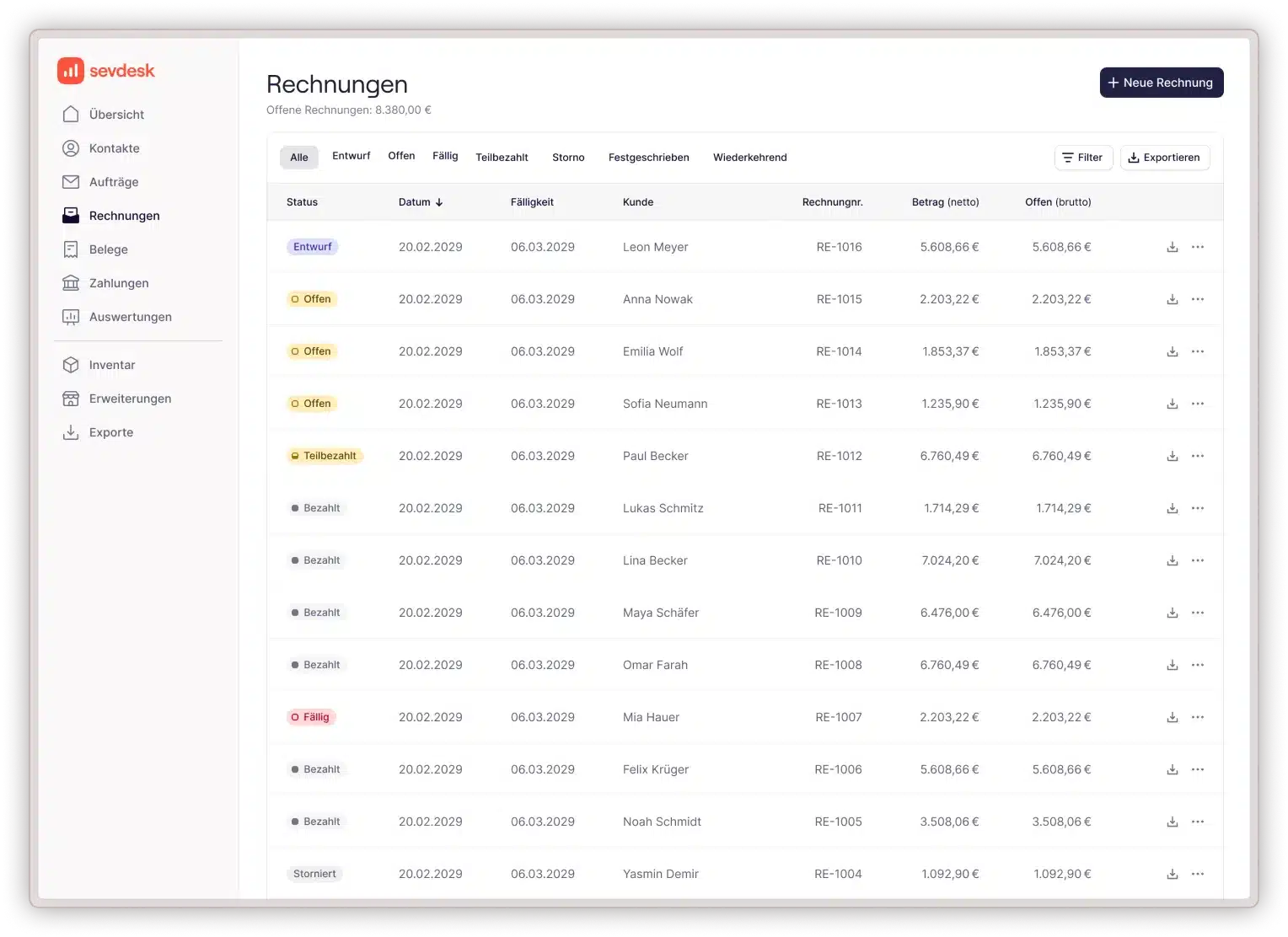
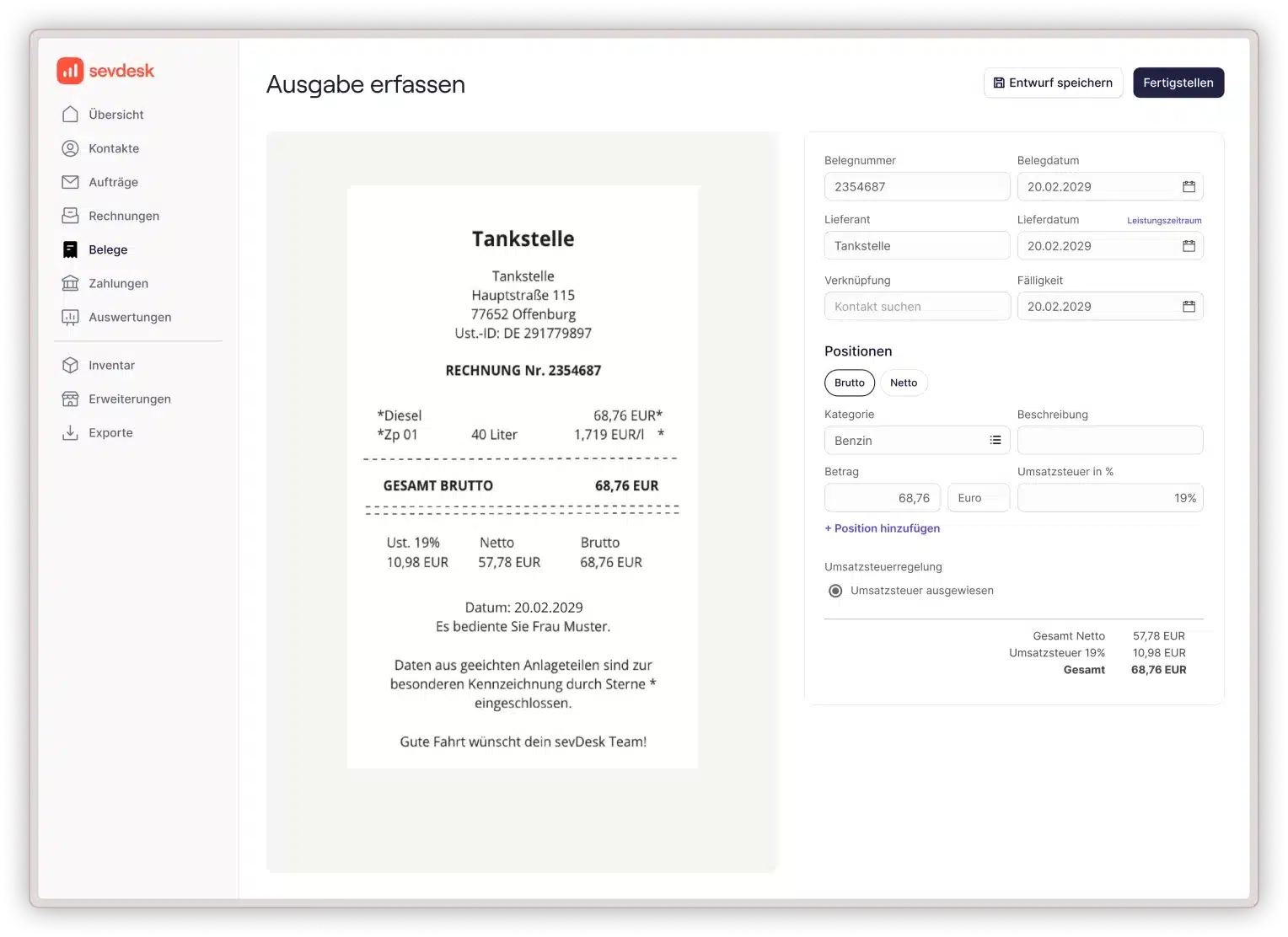
sevDesk handles your accounting digitally and efficiently. Upload receipts via app or drag & drop, connect your bank account, and create invoices in just a few minutes. The software suggests booking categories automatically and matches transactions to your documents. You always know which payment belongs to which invoice.
Your advantages with sevDesk:
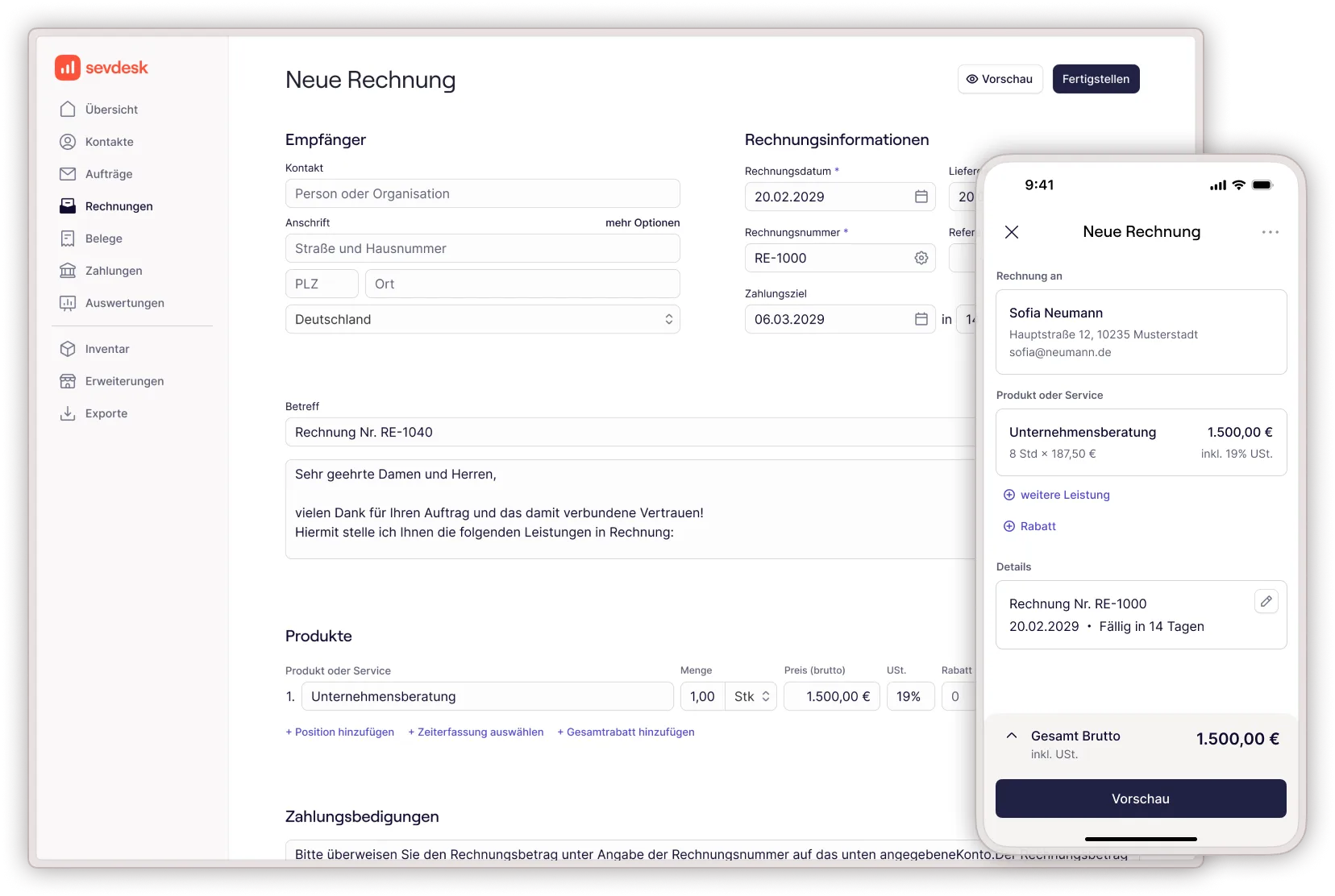
• Create invoices with all legally required information – tax is calculated automatically
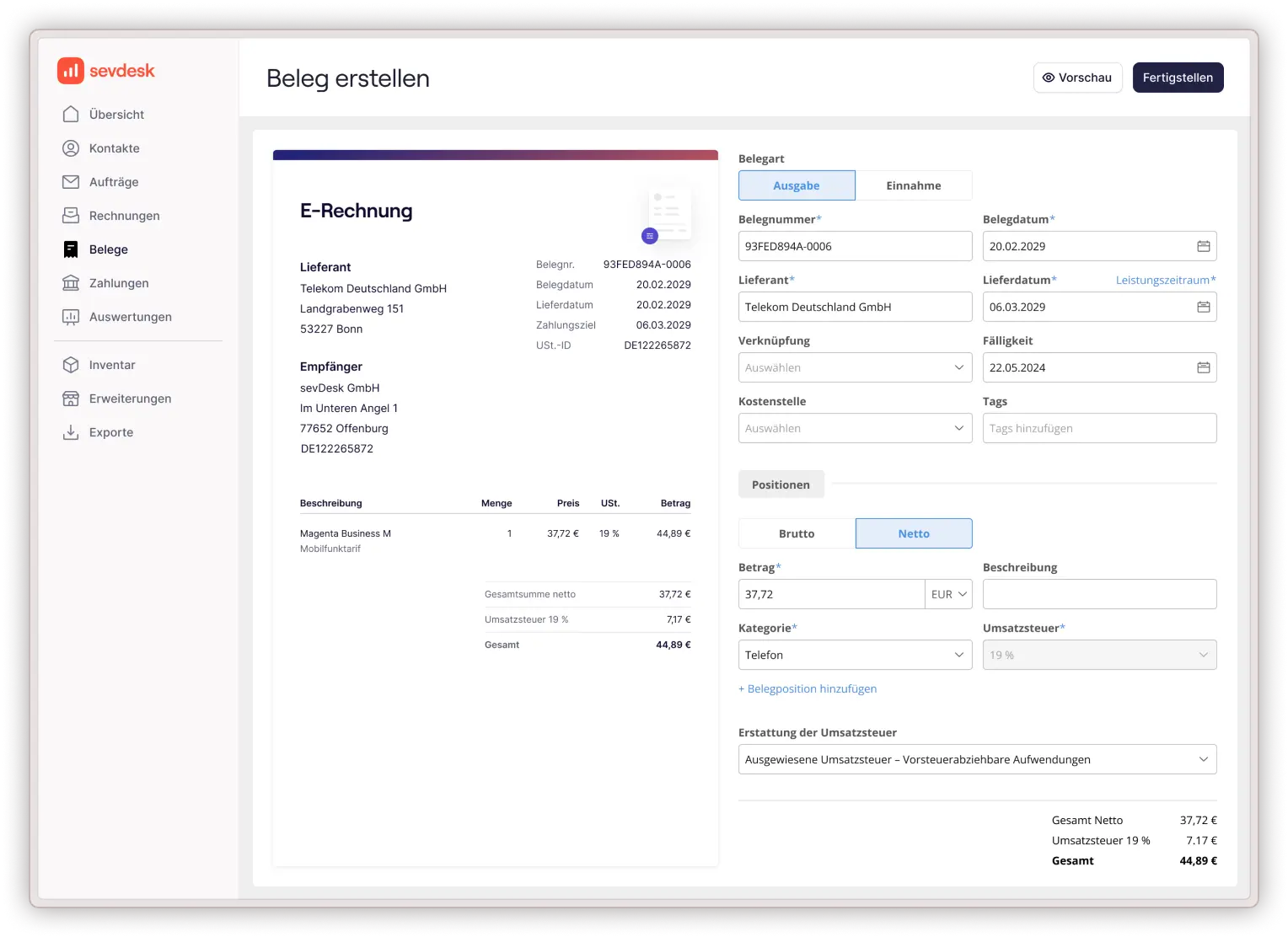
• Scan receipts with the mobile app and get AI-supported booking suggestions
• Connect your bank account and reconcile payments automatically
• Access your finances from anywhere • cloud-based on any device
• Share data directly with your tax advisor via secure portal access
• GoBD-compliant, GDPR-compliant, and ready for e-invoicing requirements
• Real-time overview of your income and expenses
Insights
Screenshots & videos of sevdesk

Integration
Screenshots of the integration
Testimonials
Quotes from sevdesk users
“We have the option of sending our tax advisor the entire annual financial statements via Datev, and he then has all the necessary data at his disposal at once.”
Stefano M.
Design agency
“We have a precise real-time overview of all transactions and can see all incoming payments directly in sevdesk, allowing us to assign them to the corresponding invoices immediately.”
Agitect
IT architecture firm
“Synchronization gives us a complete overview of our accounting, allowing us to reconcile receipts with payments. Partial invoices are easily created and sent to customers.”
Daniel W.
Webdesign agency
FAQ
Most frequently asked questions about sevdesk
Who is sevdesk suitable for?
sevdesk is suitable for small business owners, freelancers, solo self-employed individuals, and small companies. You can easily choose the sevdesk plan that suits you and your needs and add further add-ons.
sevdesk customers include self-employed individuals from over 100 industries. You can find an industry overview here.
How much does sevdesk cost?
You can find the current prices at https://sevdesk.de/preise/
Can I test sevdesk for free?
Yes, you can try sevdesk free of charge for 14 days. All features are available to you during your trial period. At the end of the trial period, you can decide whether you want to switch to a paid plan or continue with the free starter plan for now. You do not need to cancel your trial period.
What software or hardware do I need?
sevdesk is a cloud-based solution, which means:
- No special software installation required – you access it through your web browser
- Compatible with any device (PC, Mac, smartphone, tablet) with a modern web browser
- Internet connection required for access and functionality
What features does sevdesk include?
With sevdesk, you can manage your customers and suppliers, create and send quotes and invoices, maintain and digitize your receipts, and export your data for your tax advisor or the tax office.
Here you can find an overview of all features.
Is sevdesk GoBD compliant?
Yes, sevdesk is GoBD-compliant and you can use it to do your accounting properly. Your documents are stored with us in an unalterable and fully traceable manner.
Can I connect my online banking to sevdesk?
sevdesk is connected to more than 4,000 banks, including Volksbanken, Sparkasse, Commerzbank, Deutsche Bank, DKB, and N26.
Is my data secure?
All your data is also secure when stored in the cloud. It is transmitted in encrypted form using TLS and deliberately stored in a certified data center with servers located in Germany. Learn more about security at sevdesk.
Help & Contact
Do you have any further questions about sevdesk?
Free service hotline: +49-781-125508-10 (Mon–Fri; 8:00 a.m.–5:00 p.m. CET)
Email support: support@sevdesk.com
Please note that use of the extension is subject to the terms and conditions, and the Privacy Policy of sevdesk.