



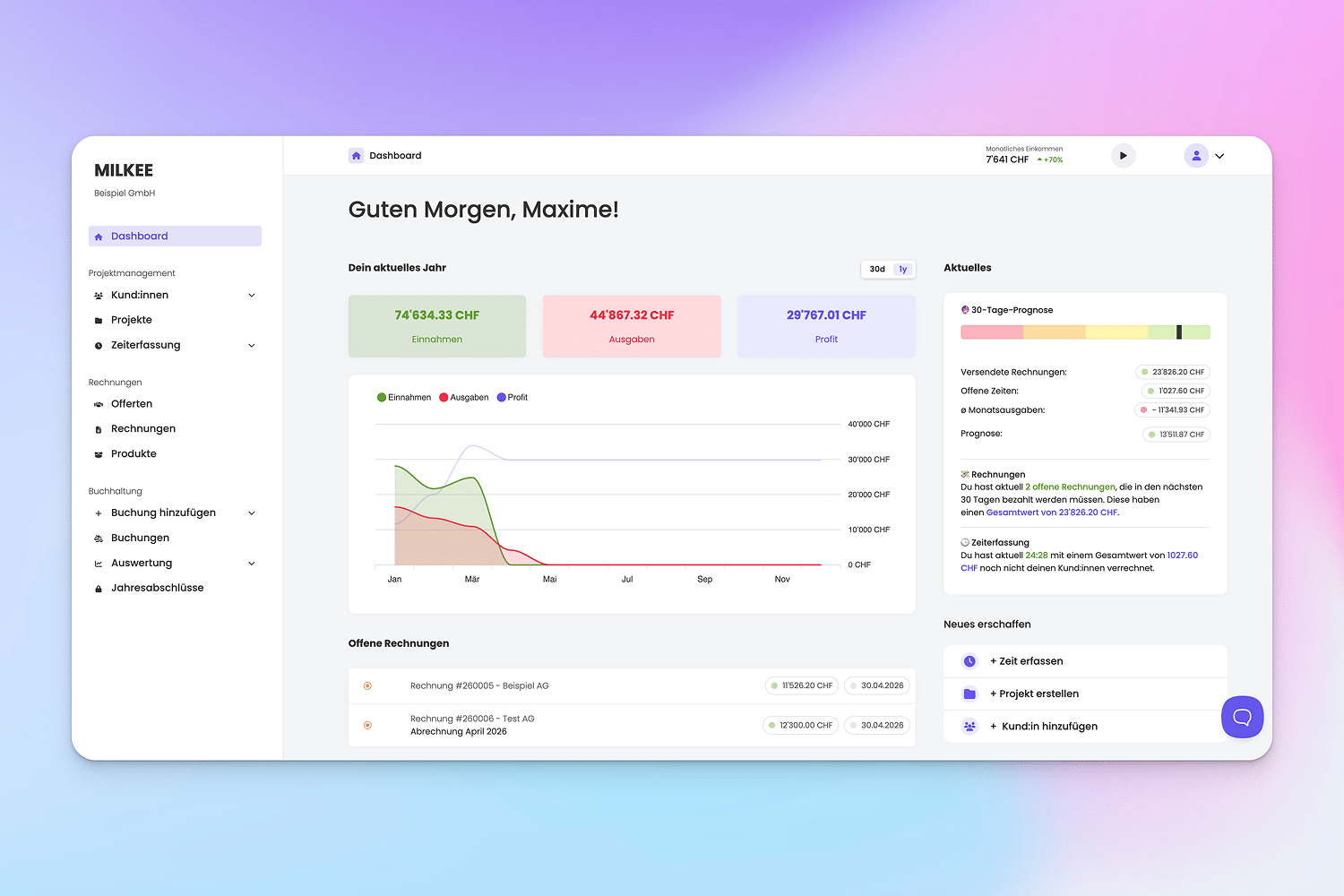
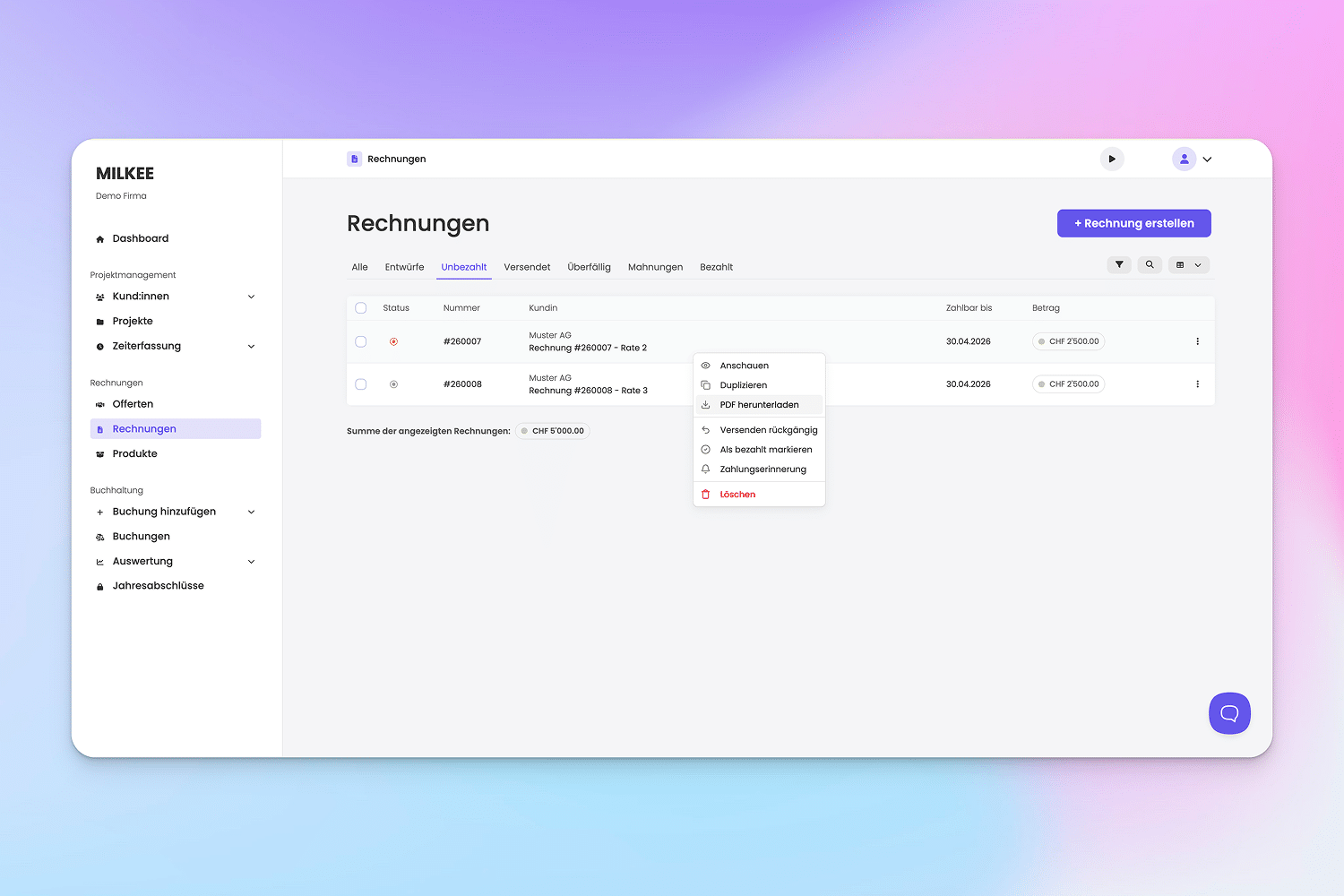
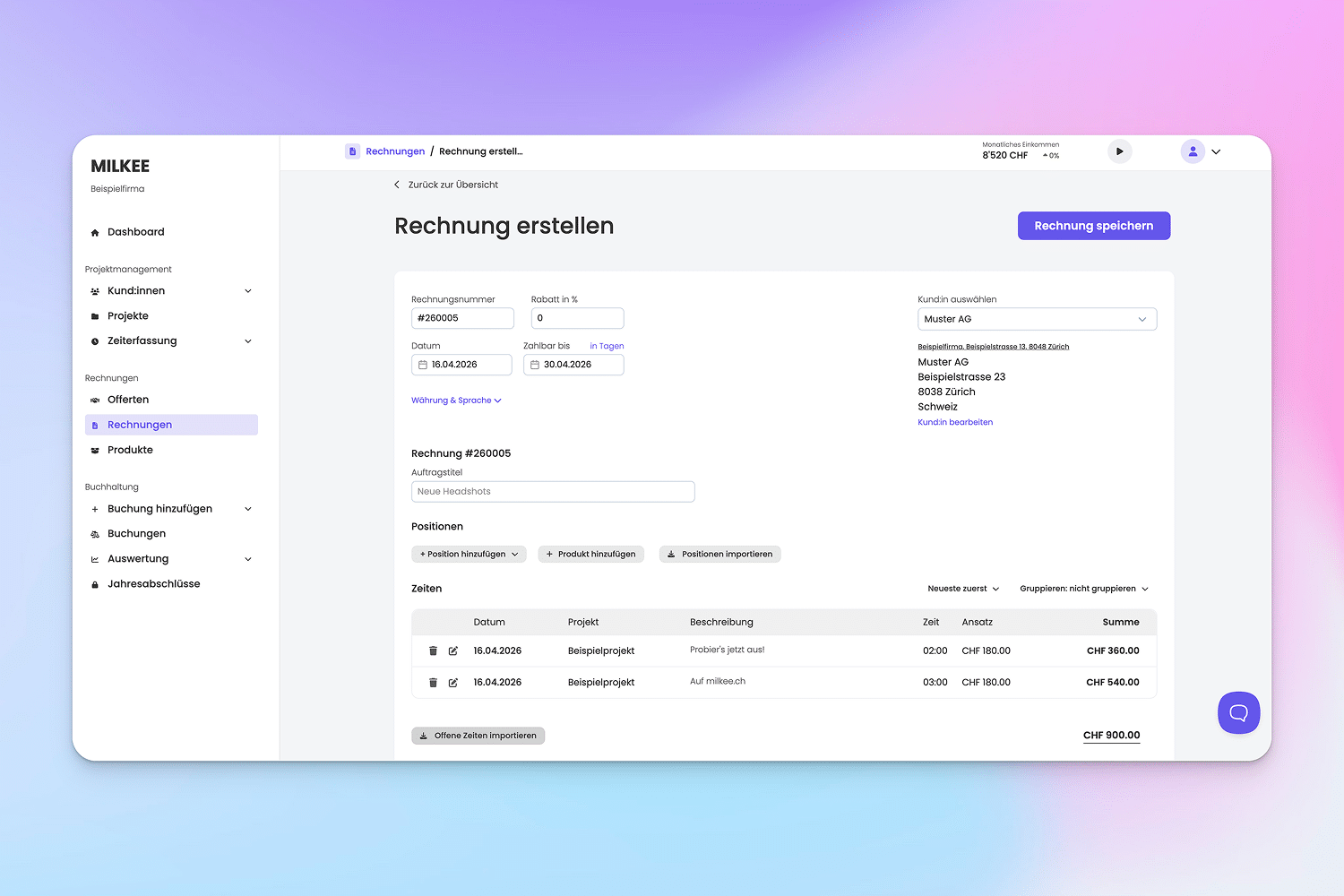
Use timeBuzzer with MILKEE to accurately track project hours and create Swiss QR invoices from your recorded times in just a few clicks.
Quick facts
Sync timeBuzzer with MILKEE to transfer your times, projects, and clients directly and create Swiss QR invoices with a click.
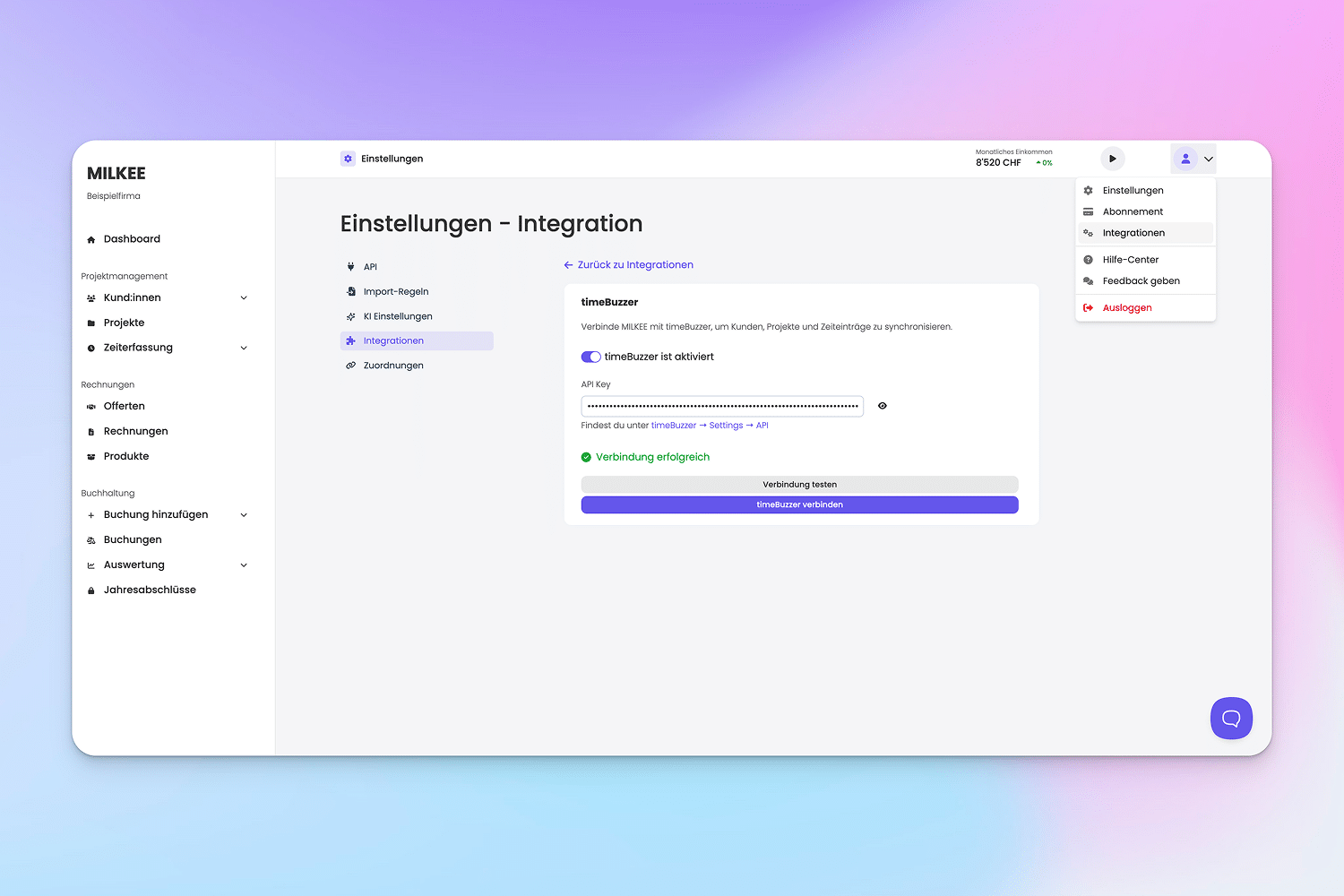
1. Enable timeBuzzer integration in MILKEE
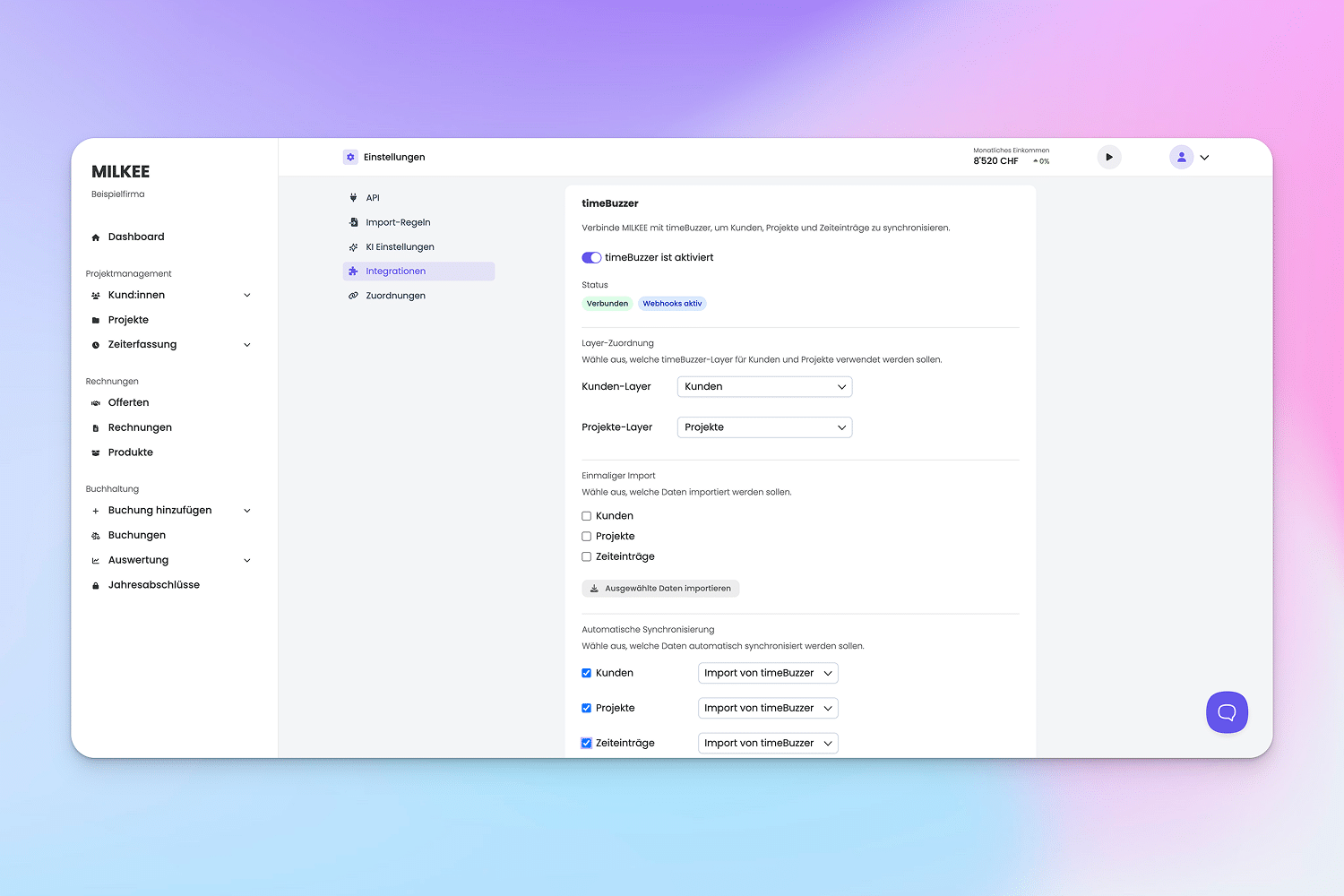
2. Synchronize clients and projects once
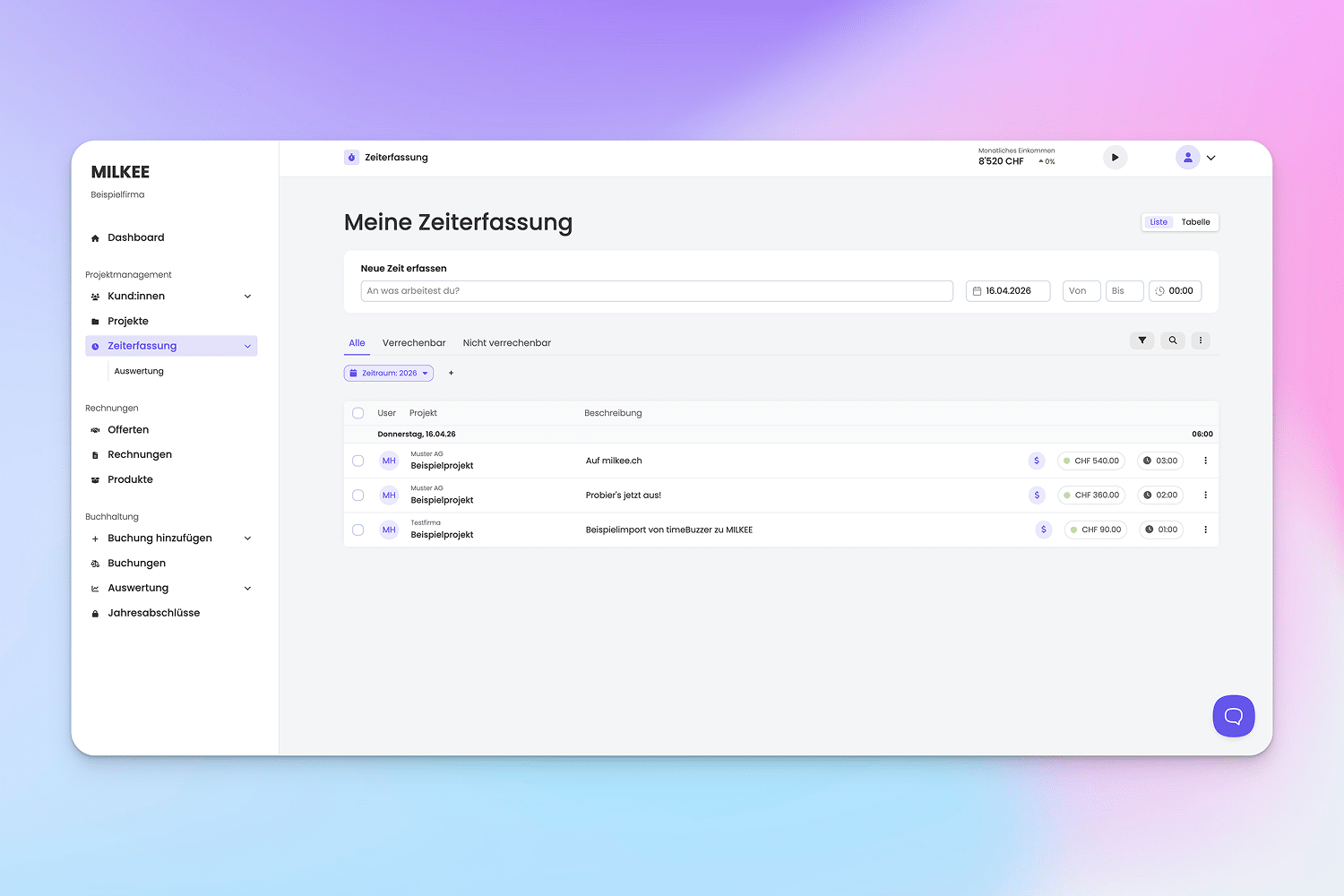
3. Easily log times in timeBuzzer (they are automatically synced to MILKEE)
4. Create and send Swiss QR invoices in MILKEE
5. Get paid 😉
To use timeBuzzer with MILKEE, you’ll need:
– an active MILKEE subscription (Try now free)
– a timeBuzzer Pro account (Try now free)
To setup the integration:
After that, new times, projects, and clients will be synced automatically.
You can find a detailed instructions in the MILKEE timeBuzzer Integration documentation.
Description
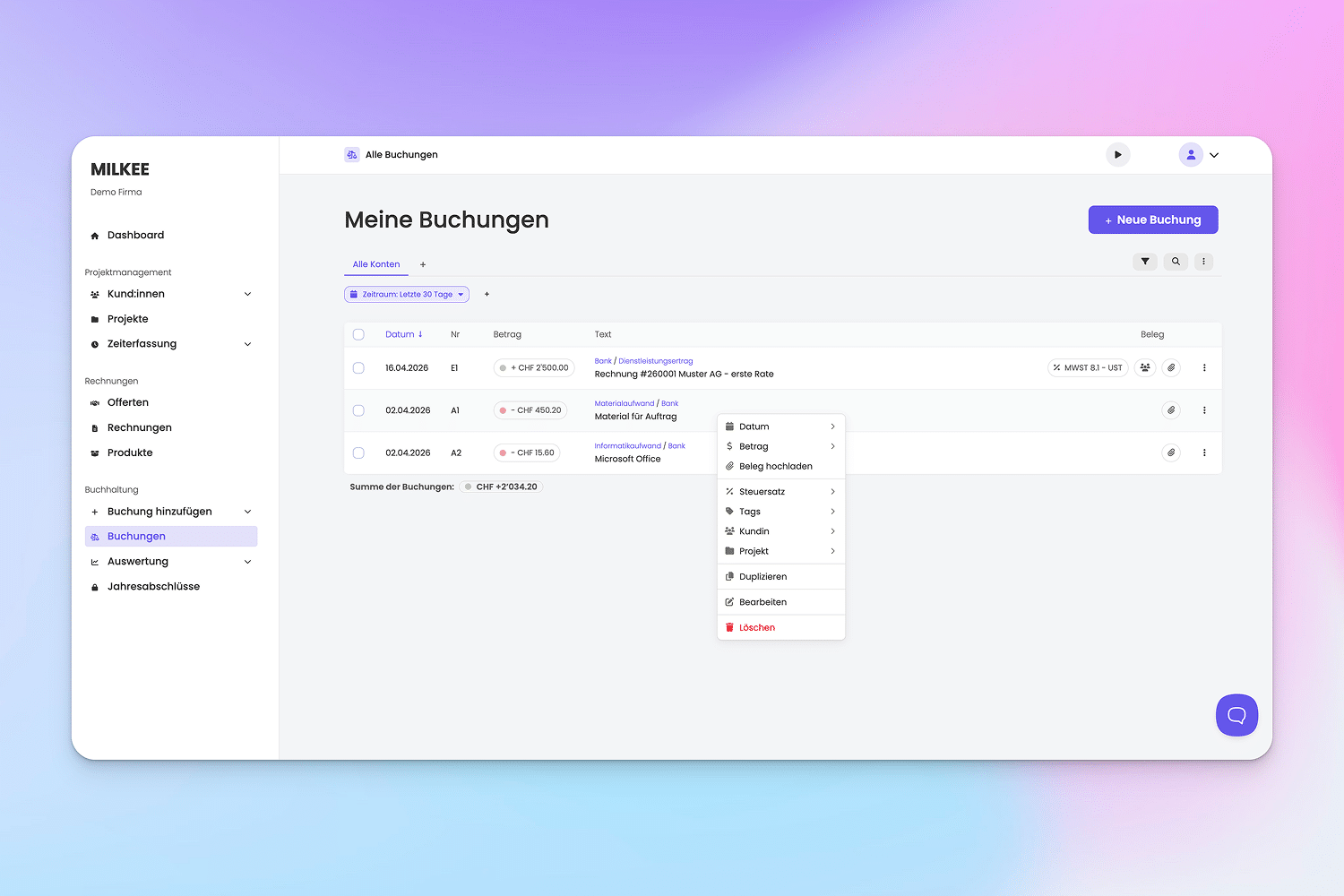
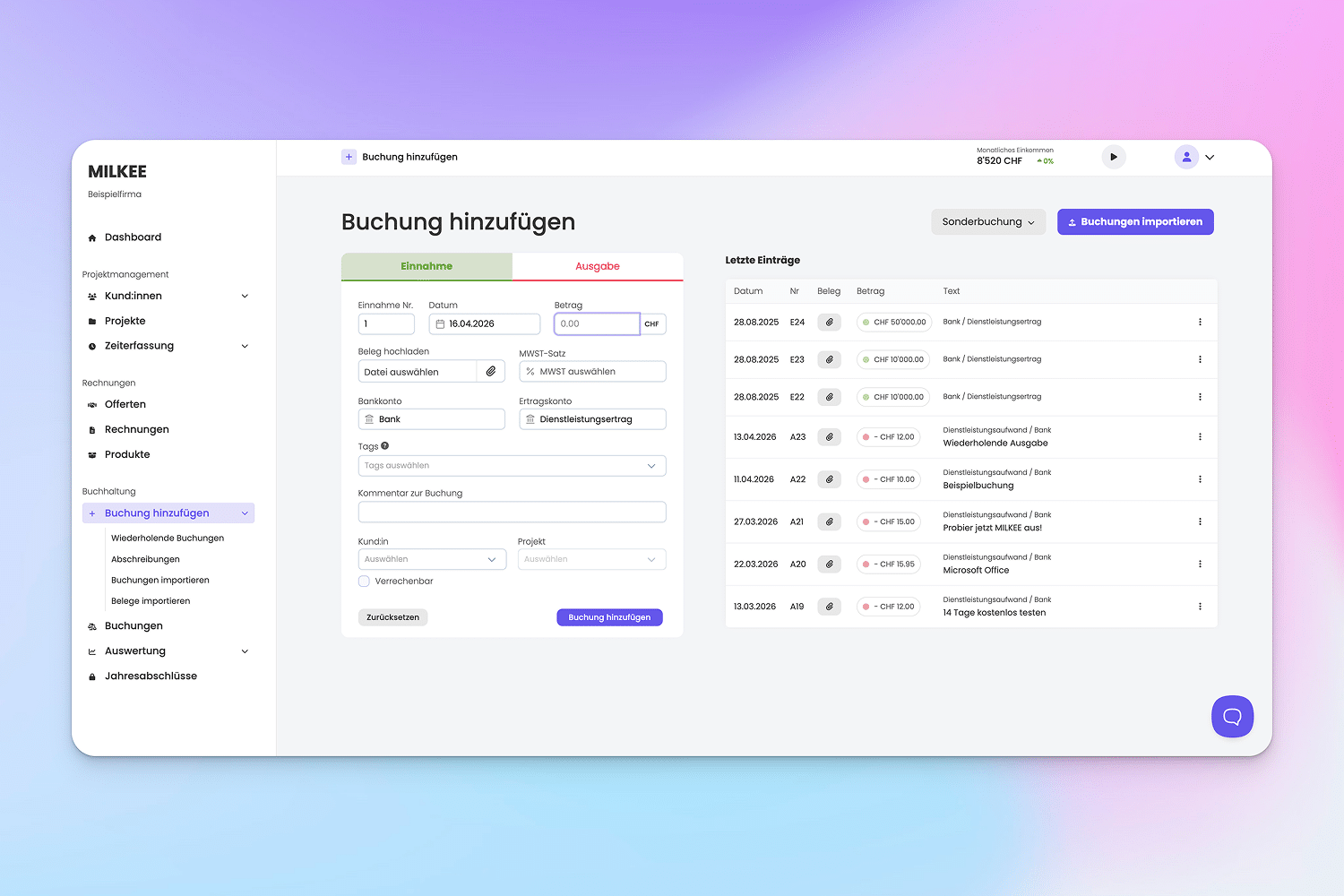
With MILKEE, bookkeeping becomes a breeze. Import time entries, projects, and clients directly from timeBuzzer and create QR invoices in just a few clicks. Connect your bank account and let the AI automatically post transactions. Scan receipts on the go with the mobile app—the rest takes care of itself.
Your advantages with MILKEE:
• Specifically designed for freelancers and LLCs
• Import clients, projects, and time entries directly from timeBuzzer and create QR invoices with a click.
• Super easy to use – no in-depth accounting knowledge required
• Connect your Swiss bank account and receive automatic AI posting suggestions
• Scan receipts with the mobile app and let the AI handle the bookkeeping
• Create legally compliant Swiss QR invoices, including VAT, in just a few minutes
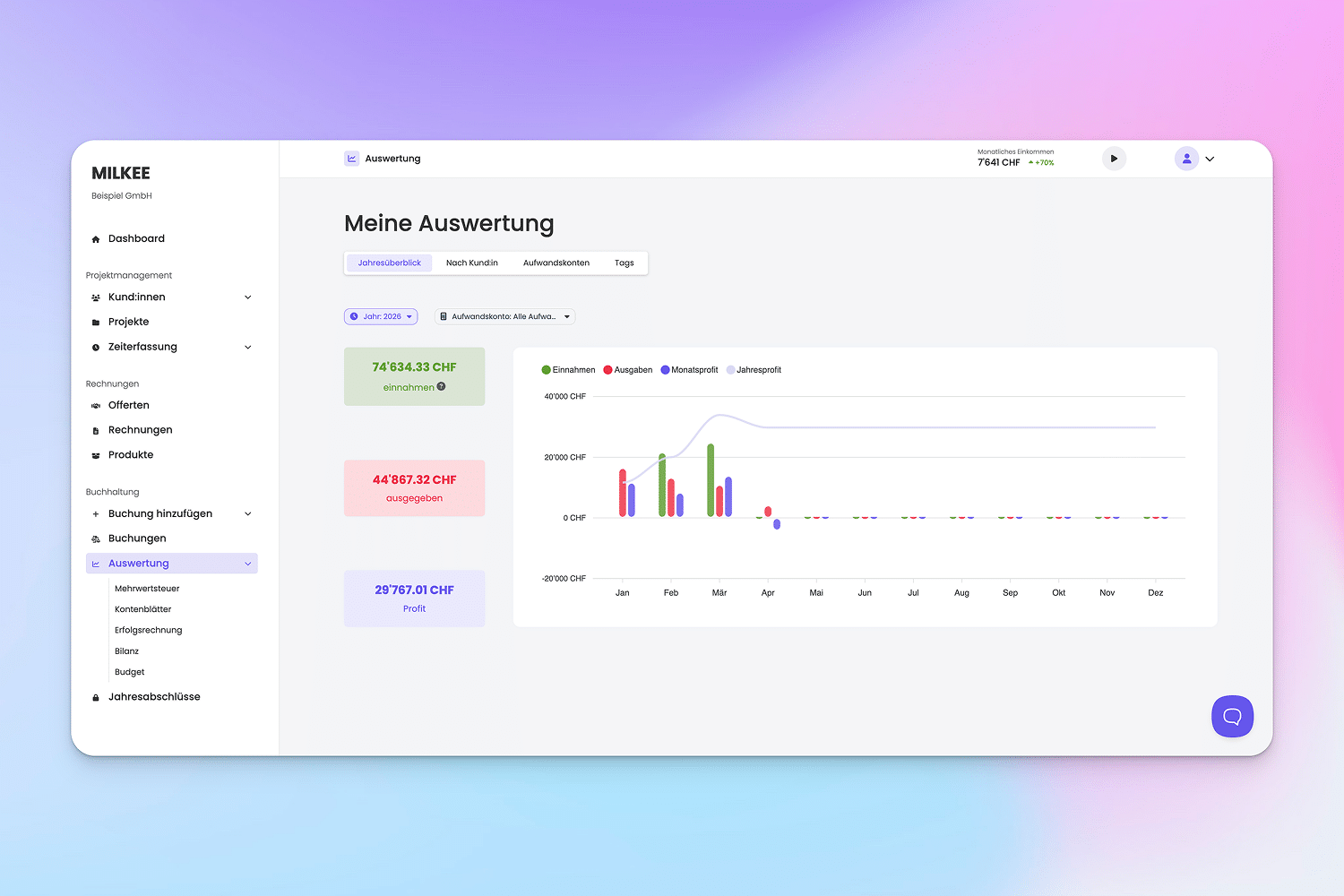
• Keep track of your finances with easy-to-understand reports
Try it now for 14 days free of charge and with no obligation at milkee.ch.
Insights
Integration
Testimonials
“I recently switched from Bexio to MILKEE because, as a self-employed person, I don’t need to use double-entry bookkeeping and the subscription costs half as much. I’m really happy with it so far. The interface is simple and it’s actually fun to do my bookkeeping ;).”
David F. via Google
Self-employed
“MILKEE offers everything I could have wanted as a self-employed person for my invoicing and bookkeeping. The professional, prompt, and hassle-free support also won me over.”
Tamara L. via Google
Self-employed
“I’m very happy with MILKEE and would recommend it to any self-employed person. It makes bookkeeping very simple and easy to understand. Plus, the support is great whenever you need help.”
Sandro S. via Google
Self-employed
FAQ
MILKEE is arguably the simplest accounting software for Swiss freelancers and limited liability companies (GmbHs). From time tracking and contact management to QR invoices, quotes, and even year-end financial statements. And thanks to its super-simple user interface, you can use MILKEE even without in-depth accounting knowledge.
Over 800+ Swiss freelancers and limited liability companies (GmbHs) already use and love MILKEE.
Yes, you can try MILKEE for 14 days completely free of charge and with no obligation. During this period, you’ll have full access to all features.
Yes, you can link your bank account to your MILKEE account for free. MILKEE imports your transactions daily and uses AI to generate smart transaction suggestions for you.
Yes, you can use MILKEE to manage full-scale double-entry bookkeeping and thus use it for your LLC.
You can find current prices on the MILKEE pricing page.
Connect timeBuzzer to MILKEE, and your time entries, projects, and clients will be automatically synced. This allows you to generate QR invoices directly from your recorded times—without any manual data entry.
Help & Contact
Email support: [email protected]
Help center: https://support.milkee.ch/
Please note that use of the extension is subject to the terms and conditions, and the Privacy Policy of MILKEE.
Privacy Settings
Manage Consent Preferences
Necessary
Analytics
Embedded Videos
Marketing
Facebook Advanced Matching
Facebook CAPI