


Sally
With Sally AI, users can automatically generate high-quality, GDPR-compliant technical and process documentation from raw data on demand, saving IT teams up to 70% of their manual writing time.

Quick facts
Sally @ timeBuzzer
Combine Sally AI with timeBuzzer to turn your meeting insights and tasks into accurate time entries – without double data entry.
How it works with timeBuzzer
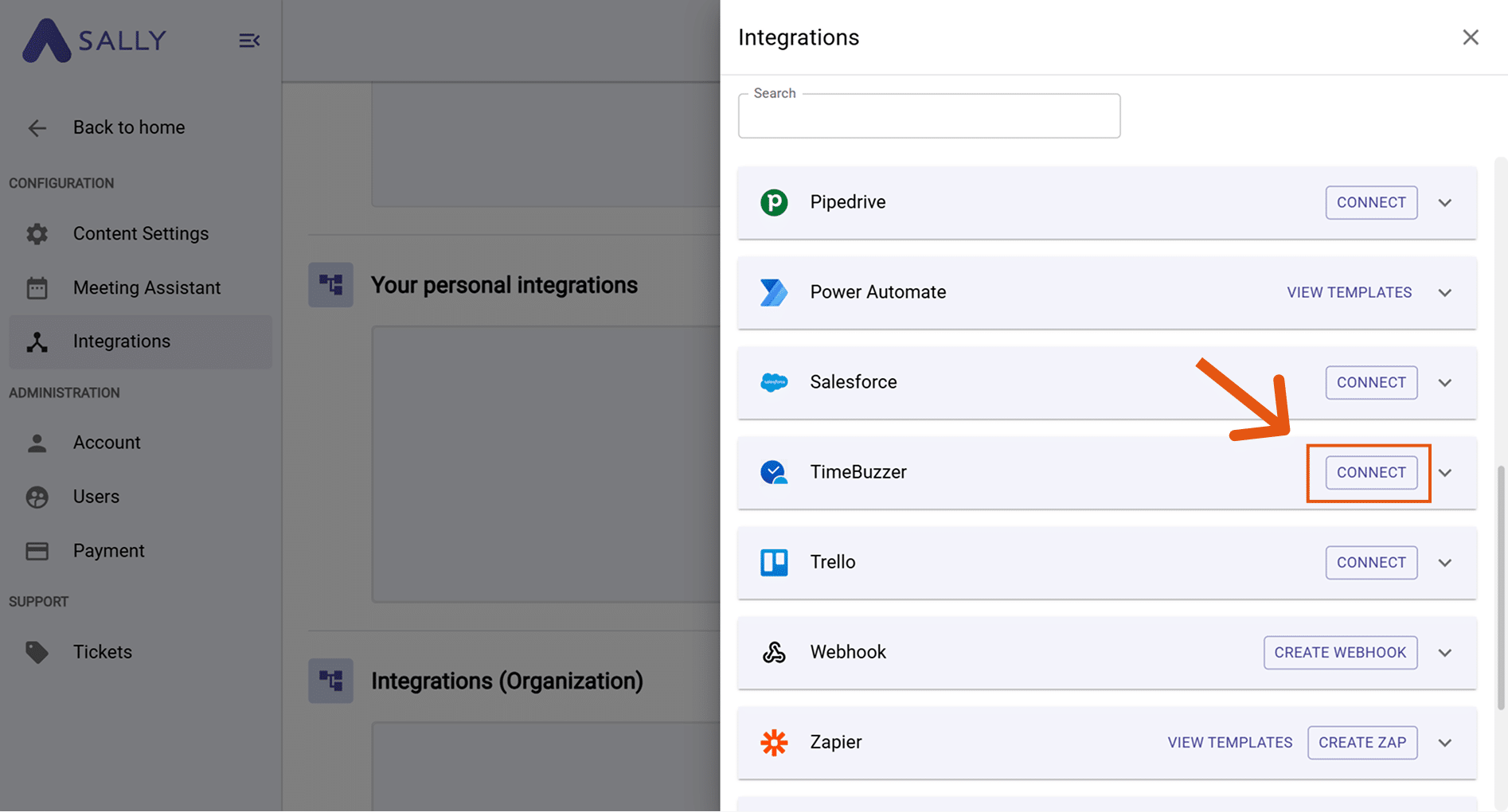
- Connect Sally AI to timeBuzzer by generating an API Key in timeBuzzer and entering it in Sally’s integration settings
- Open any meeting in Sally AI
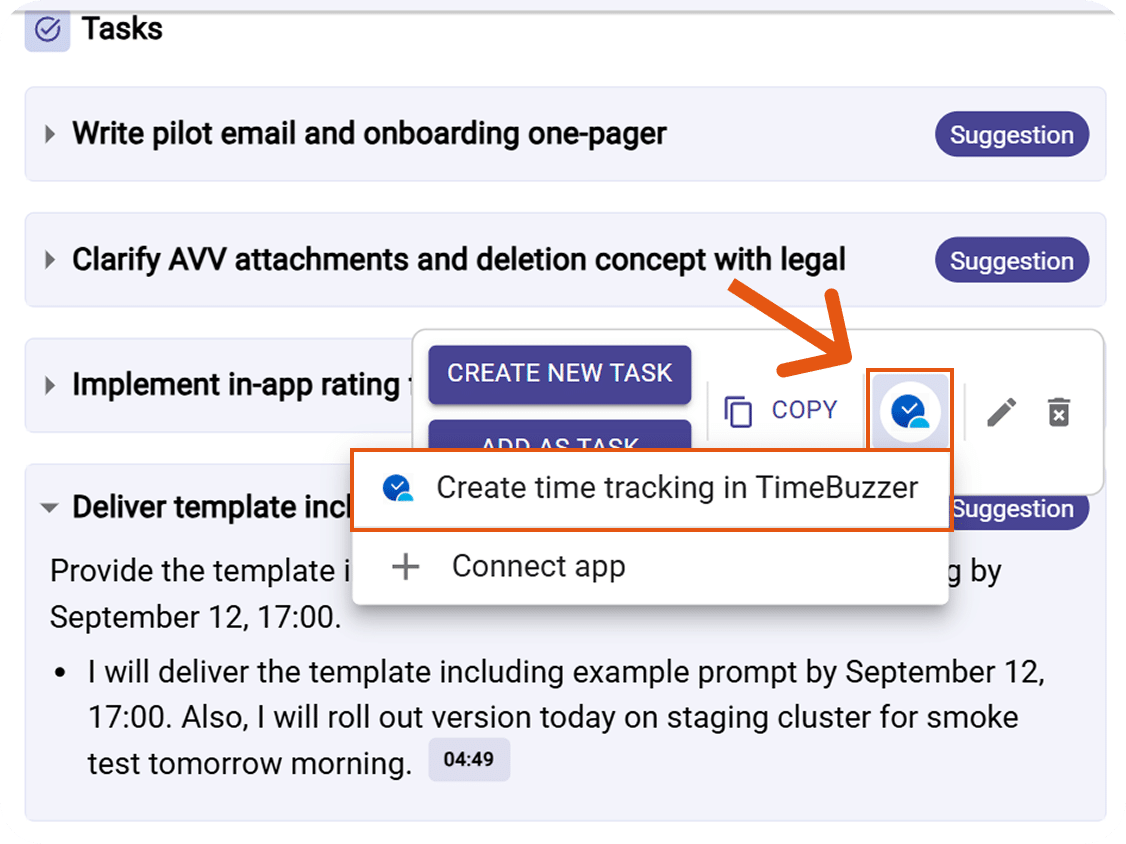
- Hover over an insight, decision, next step, or task in the meeting summary
- Click the timeBuzzer icon and select “Create time entry in timeBuzzer”
- Fill in the required fields (start/end date & time, client, project) – the description is pre-filled by Sally
- Click “Create” to send the entry directly to timeBuzzer
Requirements
How to connect
To learn how to setup, visit Sally’s timeBuzzer integration setup guide.
Product description
How Sally Supports You
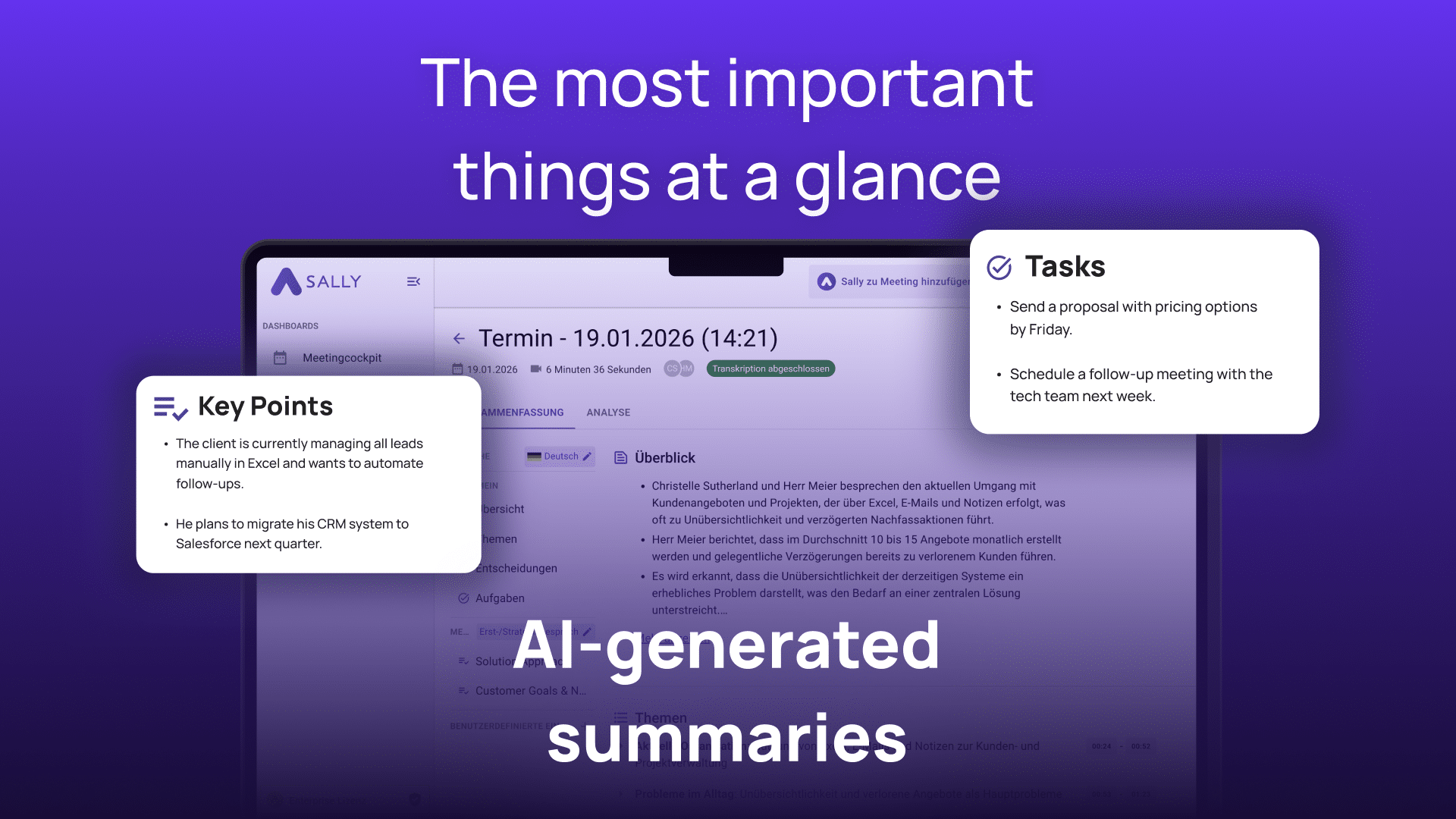
Sally AI is your AI-powered meeting assistant that automatically transcribes, summarizes, and structures your meetings – turning conversations into actionable tasks and deliverables in real time.
Your benefits with Sally AI:
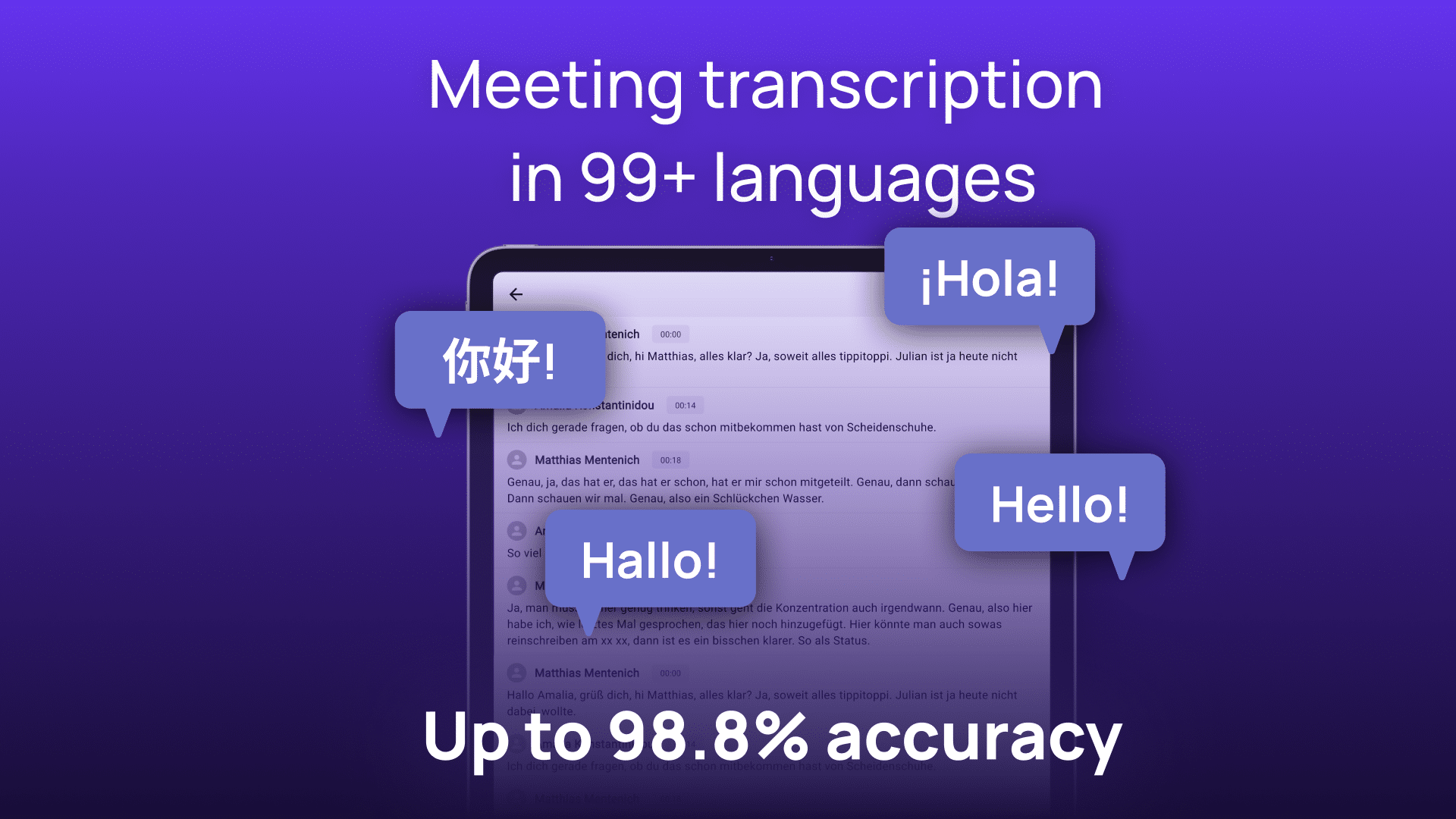
• Automatically transcribe and summarize meetings with AI
• Extract action items, decisions, and next steps directly from your meeting content
• Create time entries in timeBuzzer with one click – directly from any meeting task or insight
• Avoid double data entry by syncing meeting outcomes straight to your project tools
• Keep your time tracking complete and up to date without leaving your workflow
• Connect Sally AI with your existing tools like timeBuzzer, Jira, Notion, and more
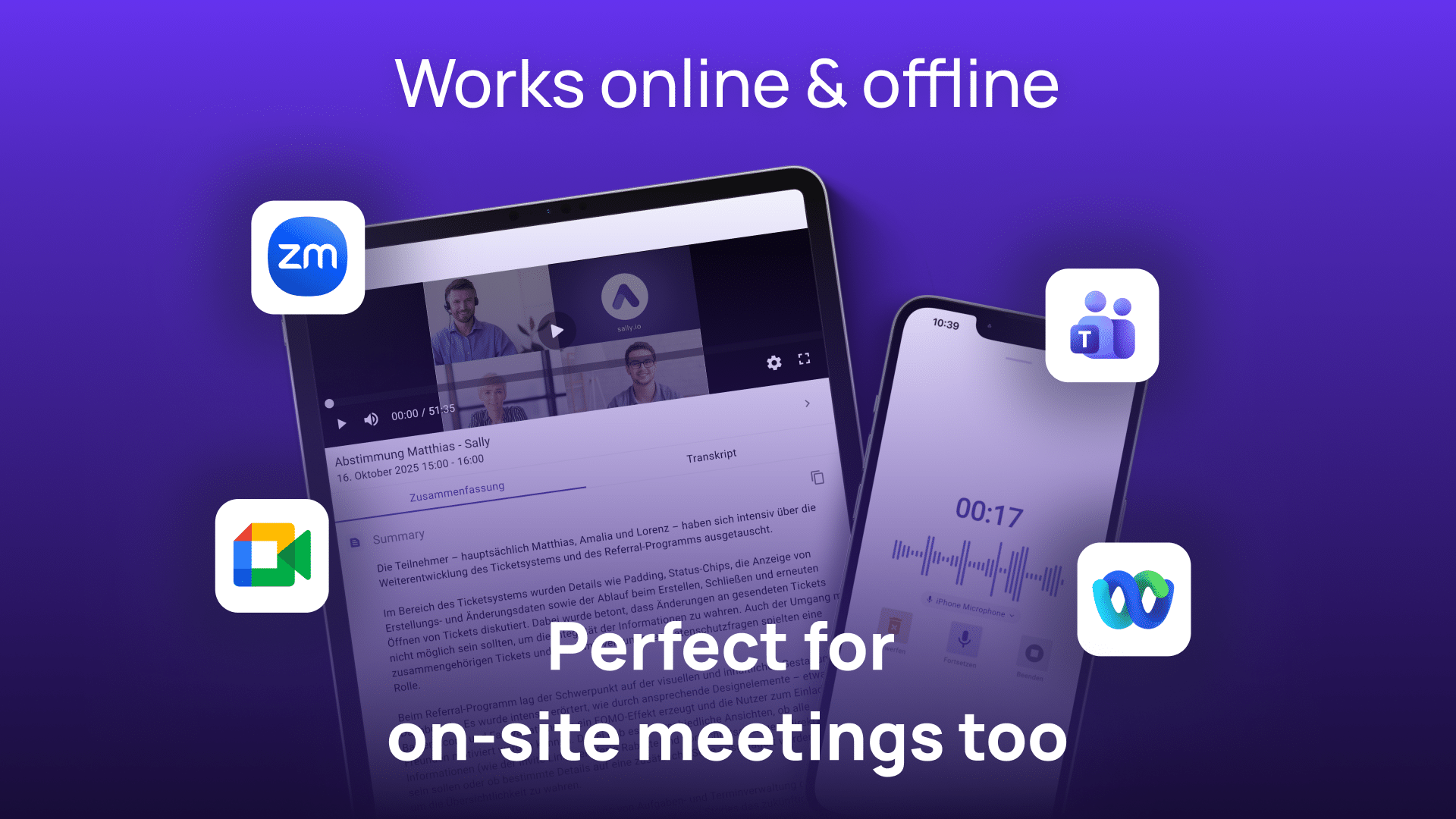
• Available on all devices – your meeting intelligence wherever you work
Insights
Screenshots & Videos of Sally

Integration
Screenshots of the Integration
Testimonials
Quotes from Sally Users
“With Sally, we can finally build a clear customer history.”
Jörg-Uwe Liebisch
CEO, Dispomed
“I don’t have to be in every meeting anymore”
Nico Schröder
Innovation Manager, Aachener Grundvermögen
“Thanks to Sally, I save up to 4 hours a week.”
Verena Hoff
CEO, international EXPERIENCE
FAQ
Most frequently asked questions about Sally
What do I need to connect Sally AI with timeBuzzer?
You need an active Sally AI account with integration access and a timeBuzzer account. Simply generate an API Key in timeBuzzer and enter it in Sally’s integration settings.
Where do I find my timeBuzzer API Key?
How do I create a time entry in timeBuzzer from Sally?
Open a meeting in Sally, hover over any insight, decision, next step, or task, click the timeBuzzer icon, and select “Create time entry in timeBuzzer”. Fill in the required fields and click “Create”.
Is the description of the time entry filled in automatically?
Yes. Sally pre-fills the description based on the meeting task or insight. You can adjust it before saving.
Which fields are required when creating a time entry?
Start date, start time, end date, end time, client, and project are mandatory fields.
Can I use the integration on any device?
Yes, Sally AI is web-based and accessible from any device, so you can create timeBuzzer entries wherever you work.
How much does Sally cost?
Here you can find Sally’s packages and prices.
Can I try Sally?
Yes. You can try Sally free of charge for 30 days with access to all features. No credit card is required.
Help & Contact
Do you have any further questions about Sally?
Free service hotline: +49 621 49088670 (Mon–Fri; 8:00 a.m.–6:00 p.m. CET)
Email support: contact@sally.io
Help Center: https://help.sally.io/
Please note that use of the extension is subject to the terms and conditions, and the Privacy Policy of Sally.