

Time Tracking for FastBill
Use timeBuzzer with FastBill to accurately track project hours and create invoices in just a few clicks.

Quick facts
FastBill @ timeBuzzer
Combine FastBill with timeBuzzer to bill your customers, projects, and services more easily and accurately.
How it works with timeBuzzer
- Easily connect timeBuzzer with FastBill (authentication via FastBill email and API key)
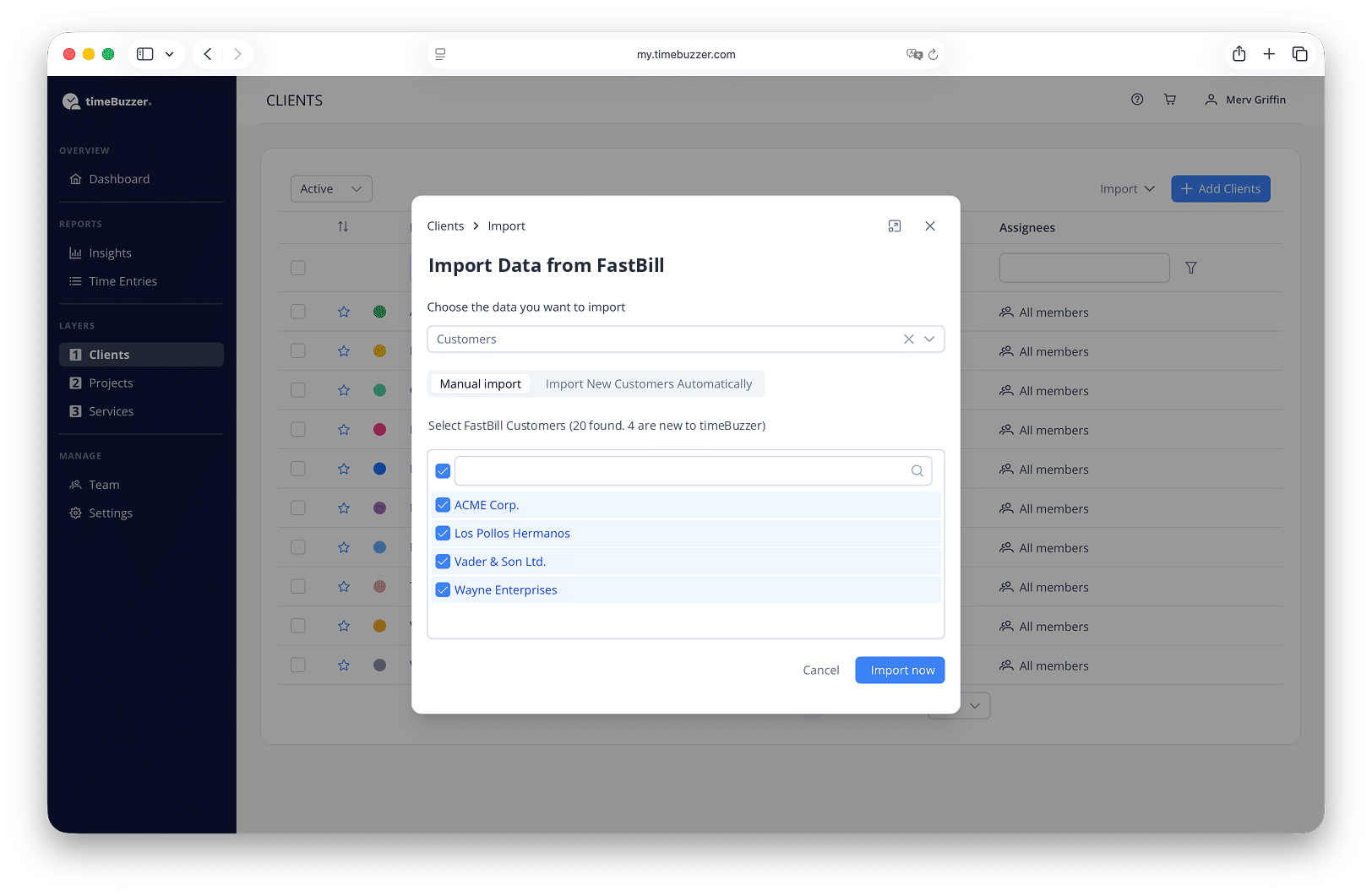
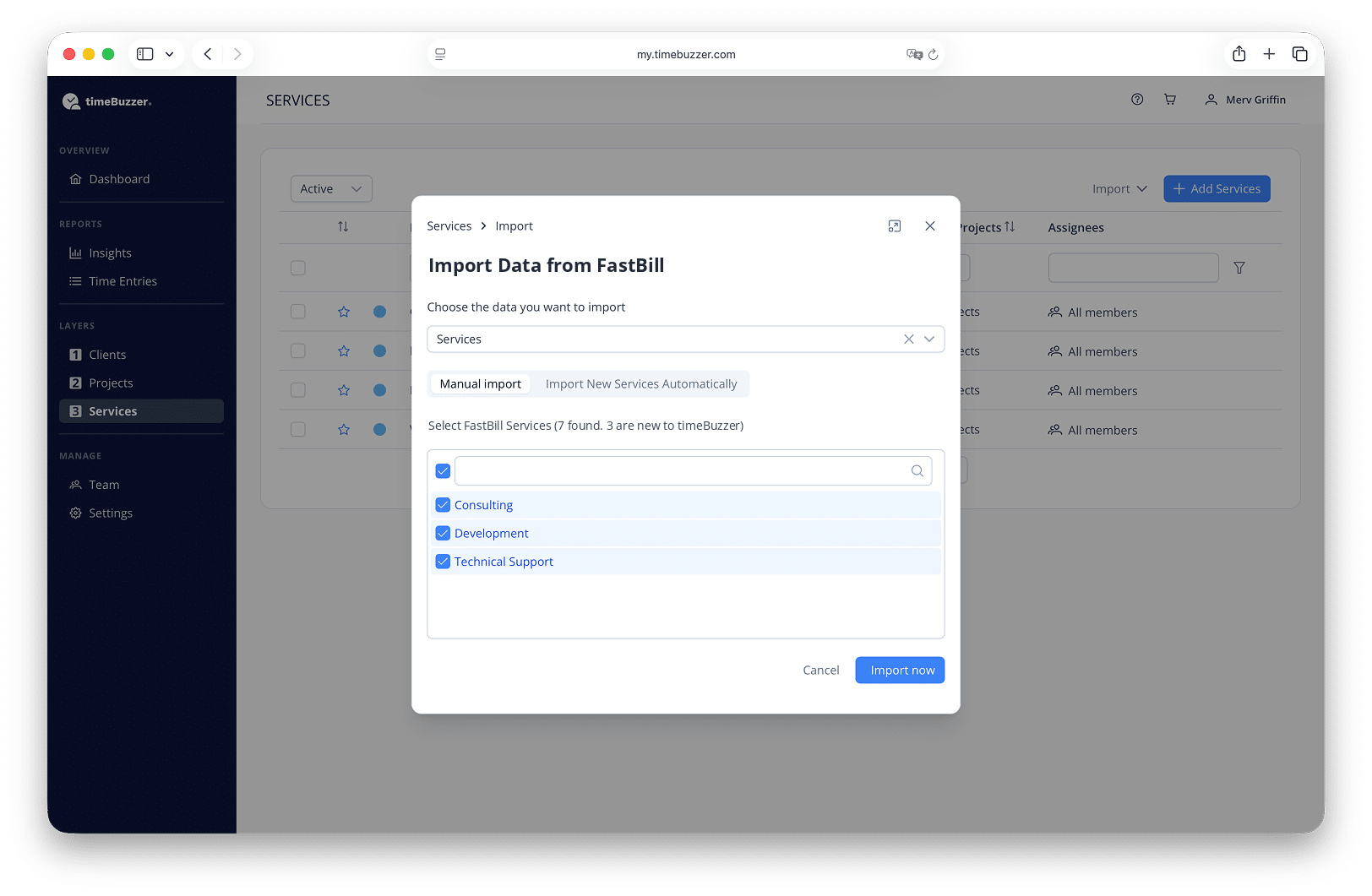
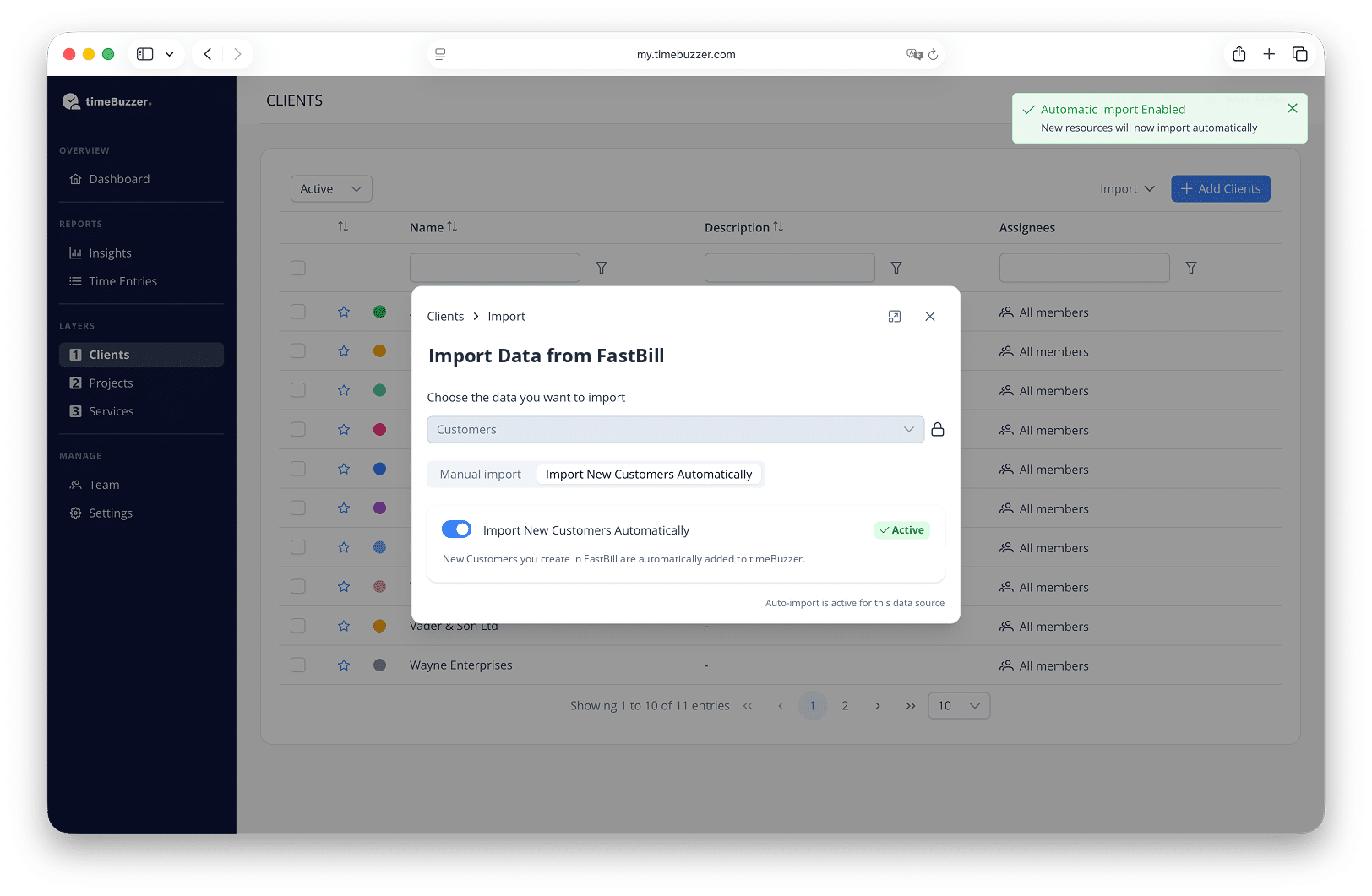
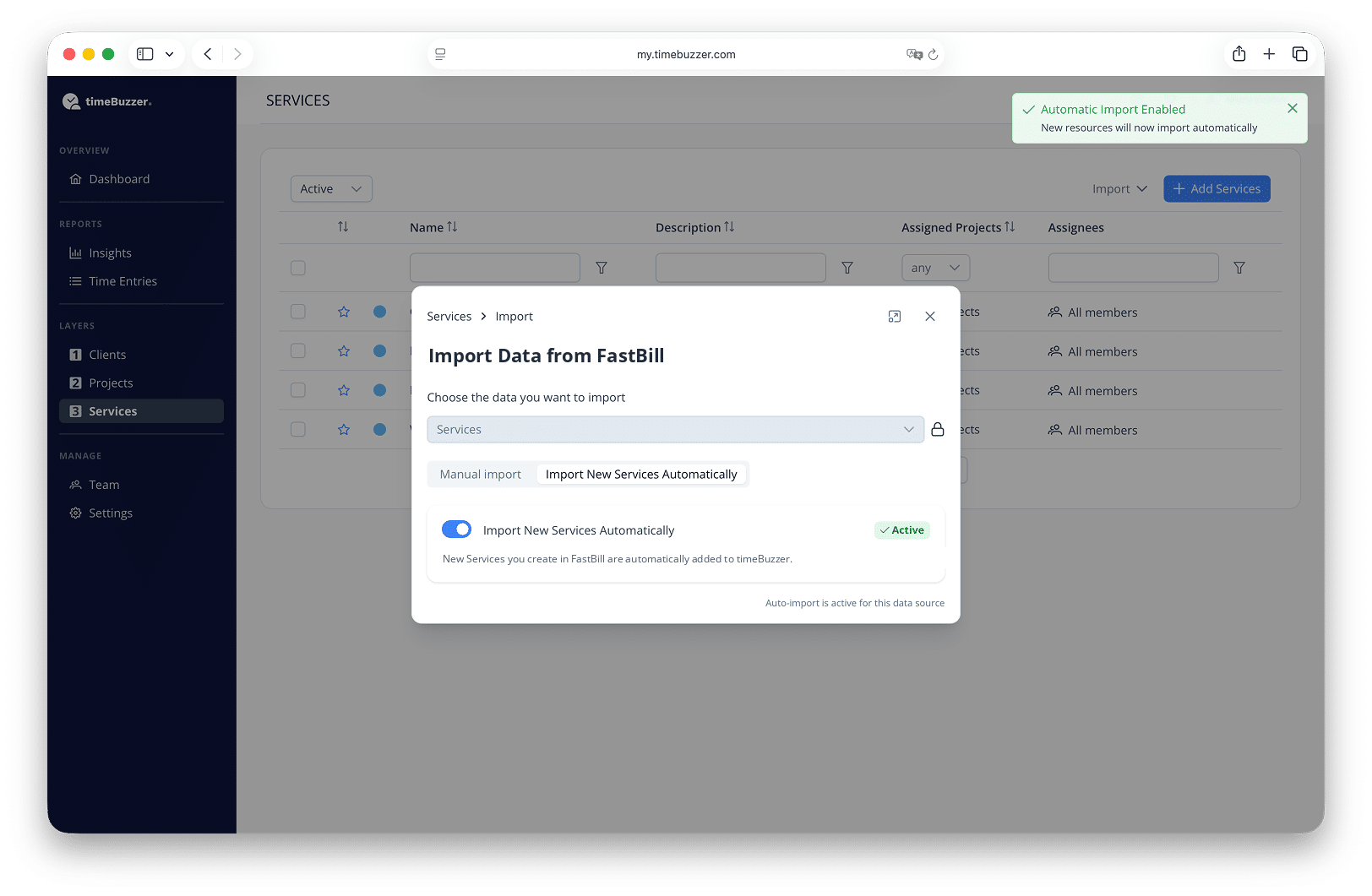
- Import customers and services from FastBill
- Record times easily and accurately with timeBuzzer
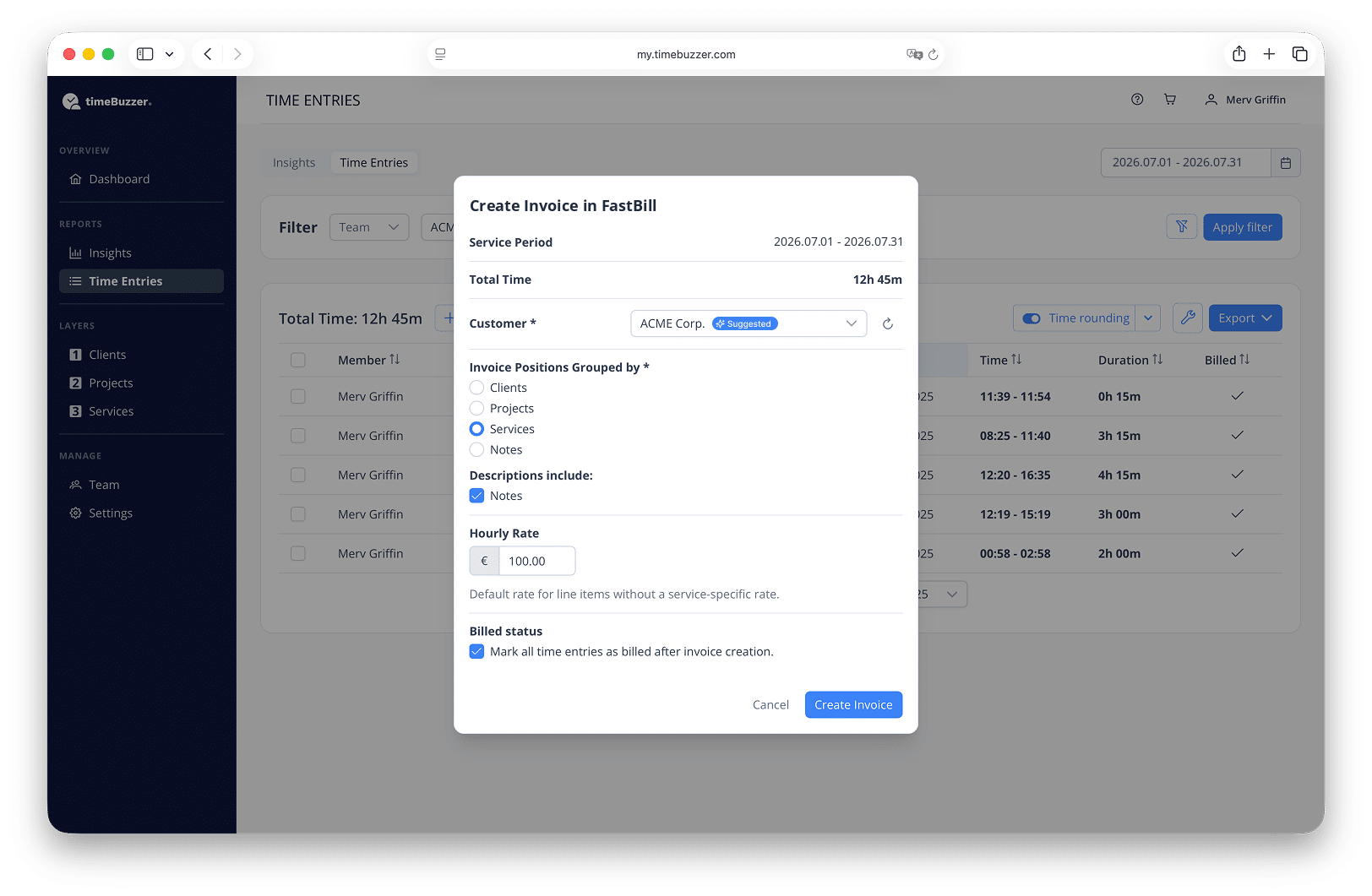
- Create FastBill invoices directly from your tracked time
- Complete and send invoices in FastBill
- Mark invoiced time entries in timeBuzzer
Requirements
How to connect
The initial connection between timeBuzzer and FastBill is simple:
- Log in to your timeBuzzer account
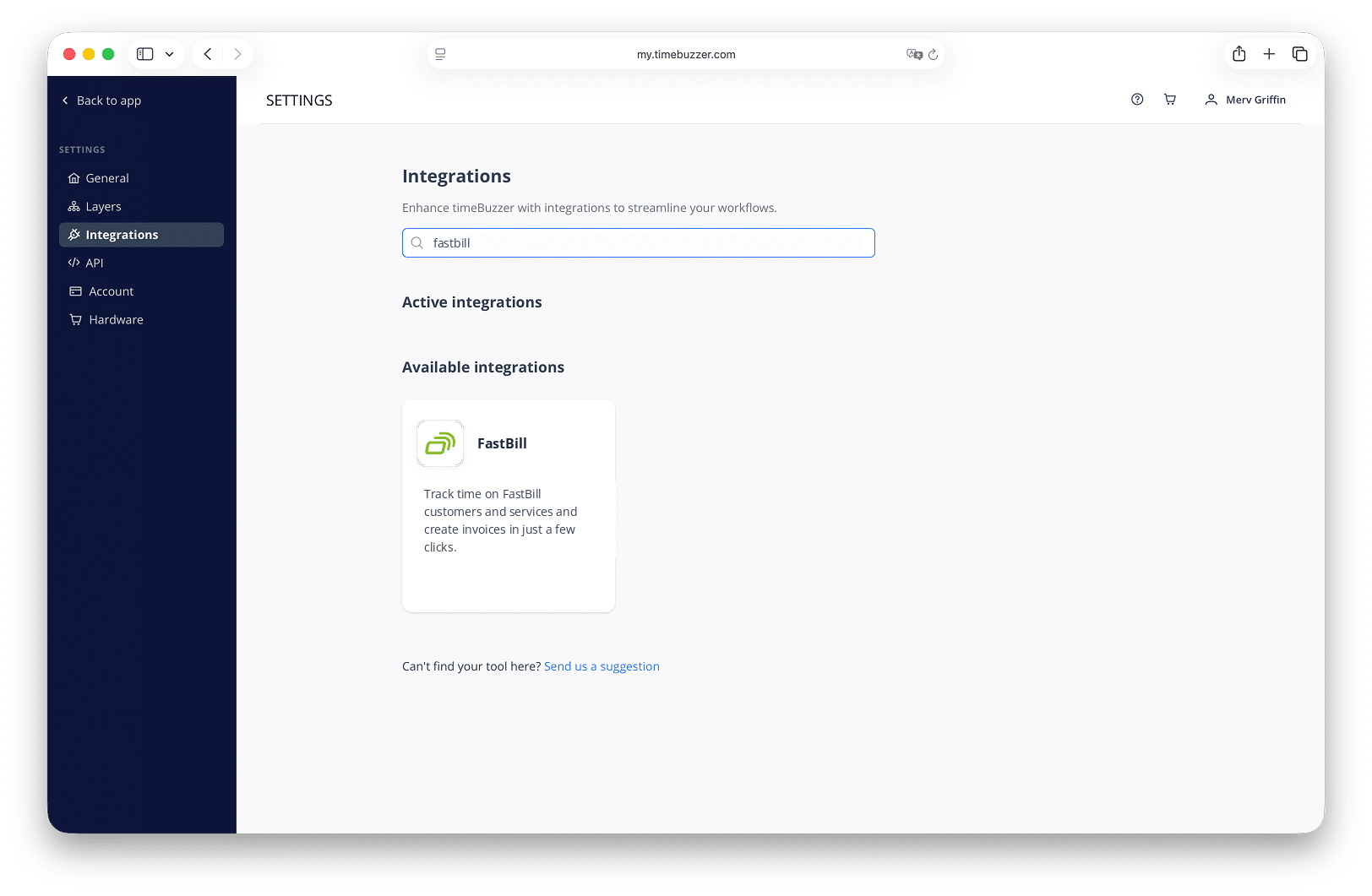
- Go to Settings > Integrations > FastBill
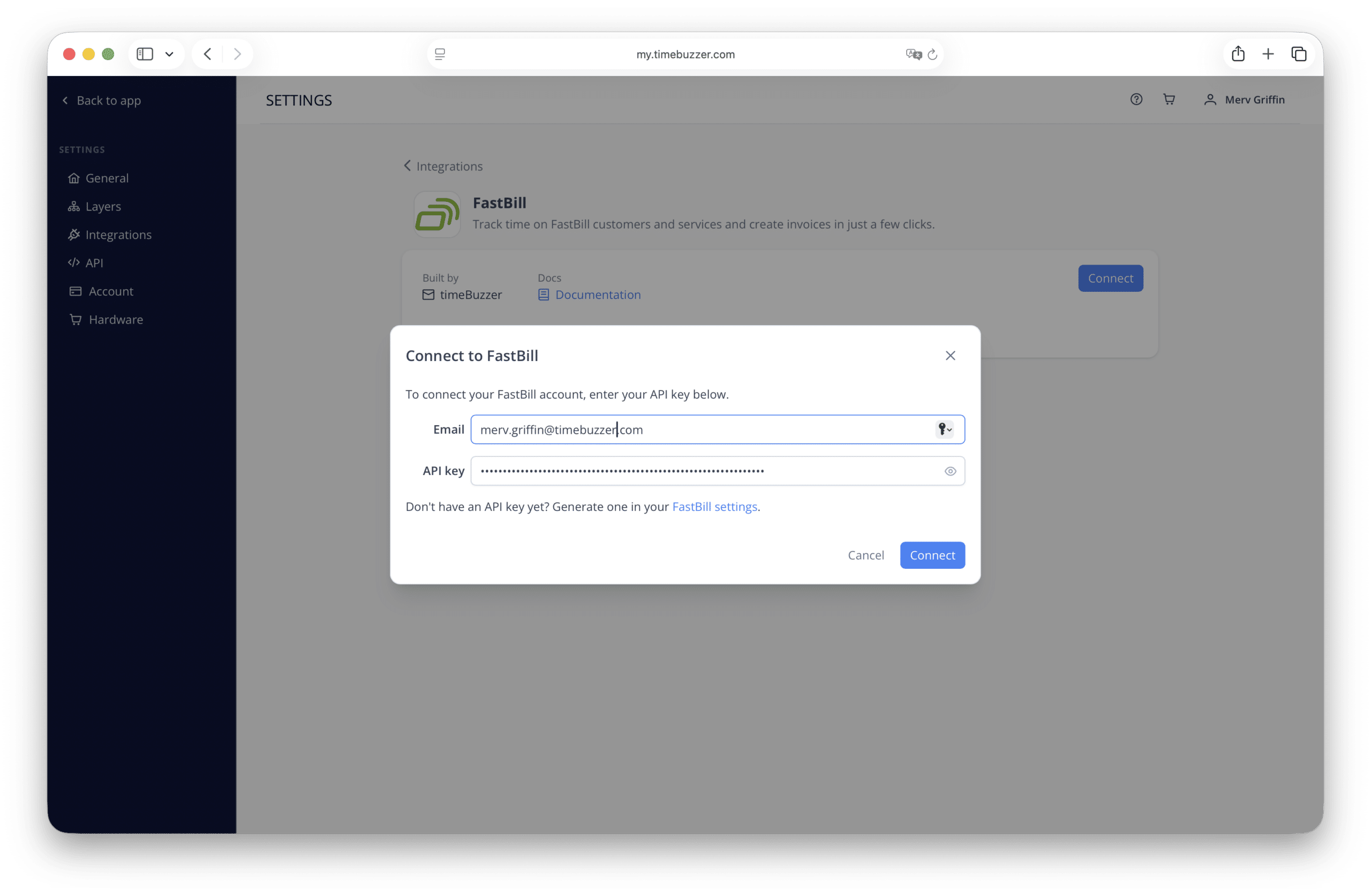
- Click “Connect“
- Enter the email address of your FastBill account and your FastBill API key (both are found in FastBill under Settings > Overview)
- Click “Connect” to connect timeBuzzer to FastBill
Learn more about how to setup and use FastBill integration with timeBuzzer
Product description
How FastBill supports you
FastBill takes the paperwork off your desk. Write invoices and quotes in your own design, capture receipts with the scan app or by email, and let text recognition fill in the details. Connect your bank account and FastBill suggests which transaction belongs to which document. Recurring invoices, dunning, and the VAT return run automatically in the background, so you spend your time on client work instead of bookkeeping.
Your advantages with FastBill:
- Create invoices, quotes, and credit notes in your own layout and send them by email or post
- E-invoicing in ZUGFeRD and XRechnung format, included in every plan
- Capture receipts with the scan app, by email inbox, or drag and drop, with automatic text recognition
- Connect your bank accounts and match payments to open invoices
- Automatic VAT return via ELSTER and DATEV export, included from the Solo plan
- Recurring invoices and automated dunning for predictable revenue
- Customer center with payment option and your own branding
- GoBD-compliant, GDPR-compliant, hosted in Germany
Insights
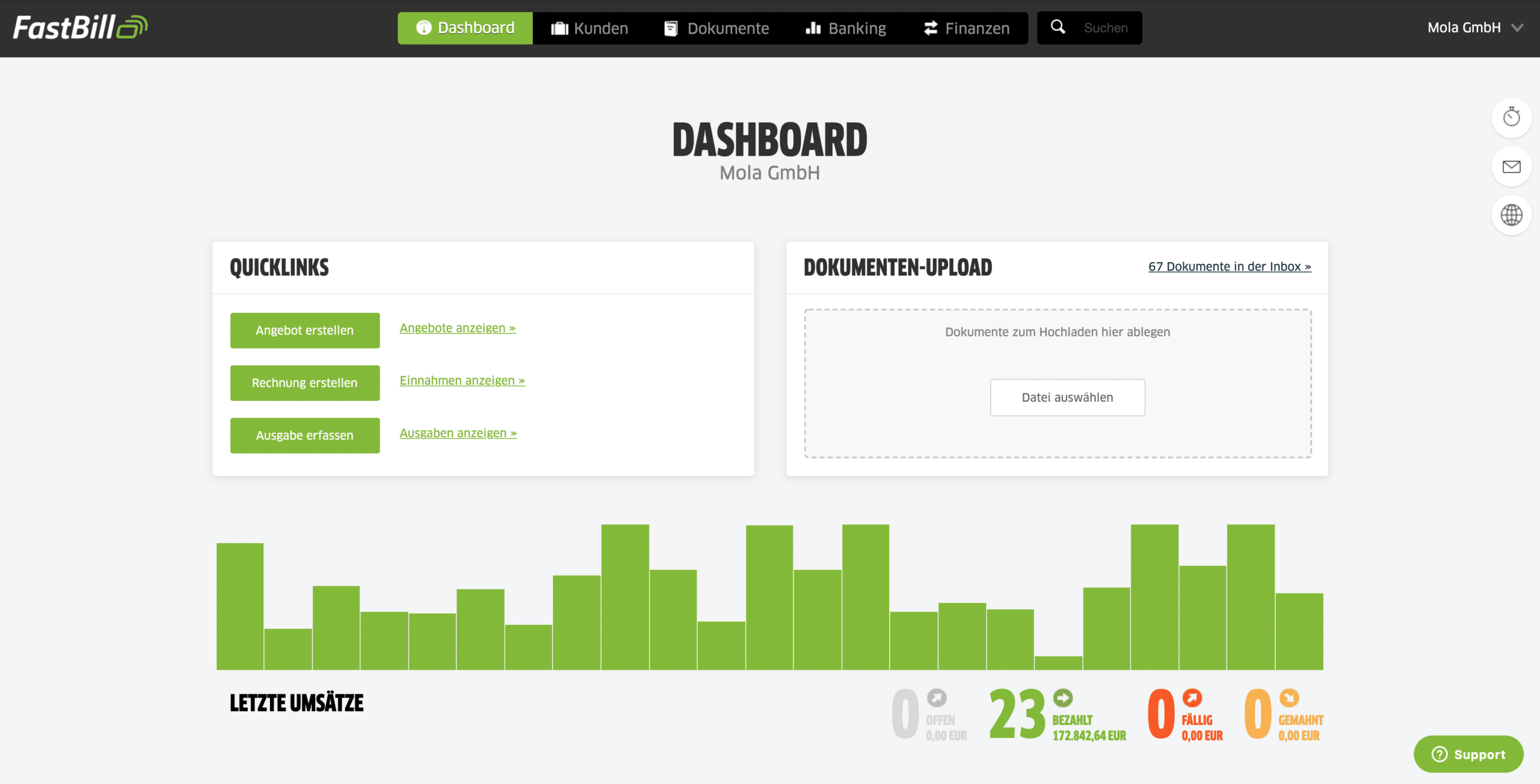
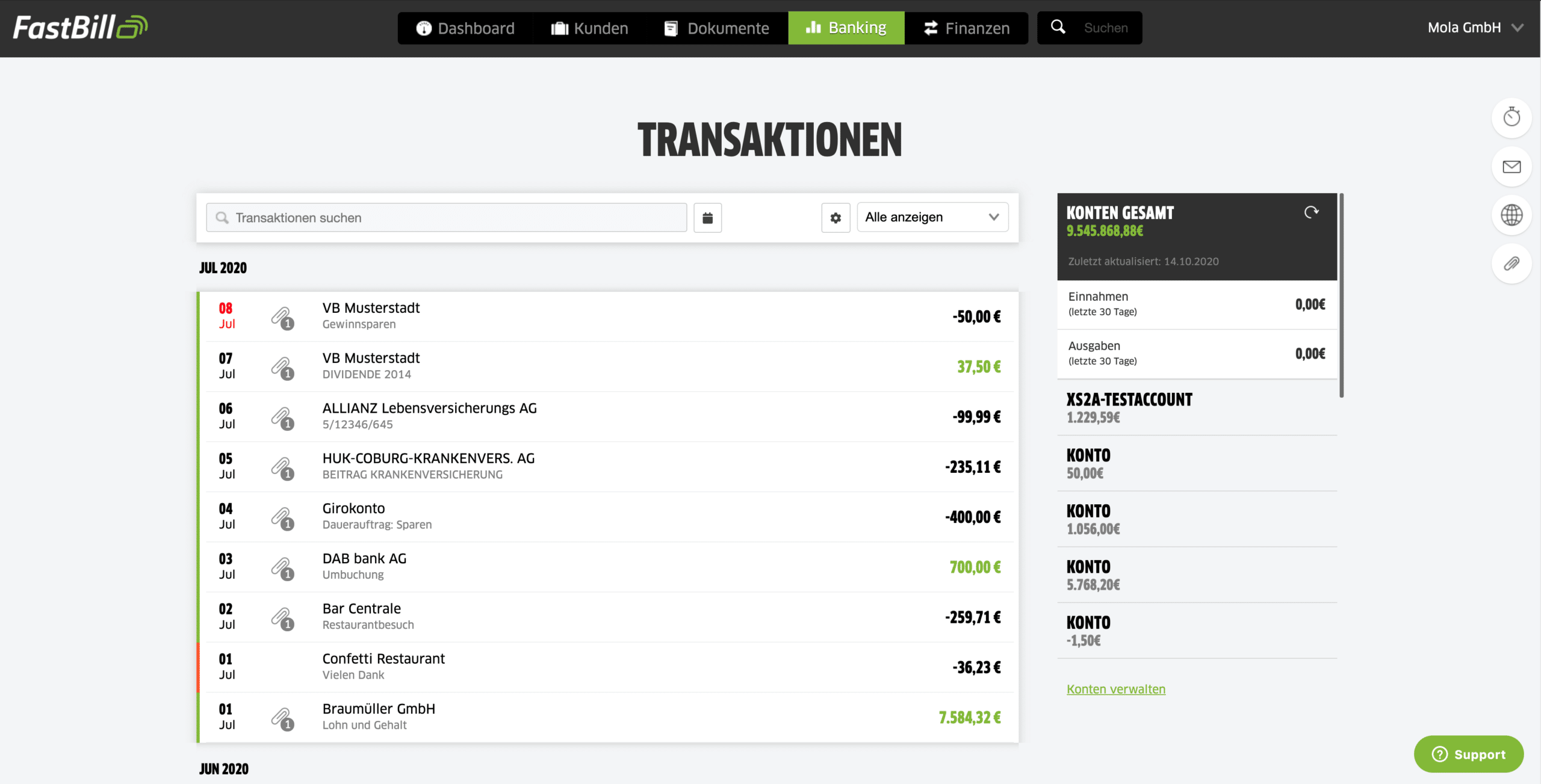
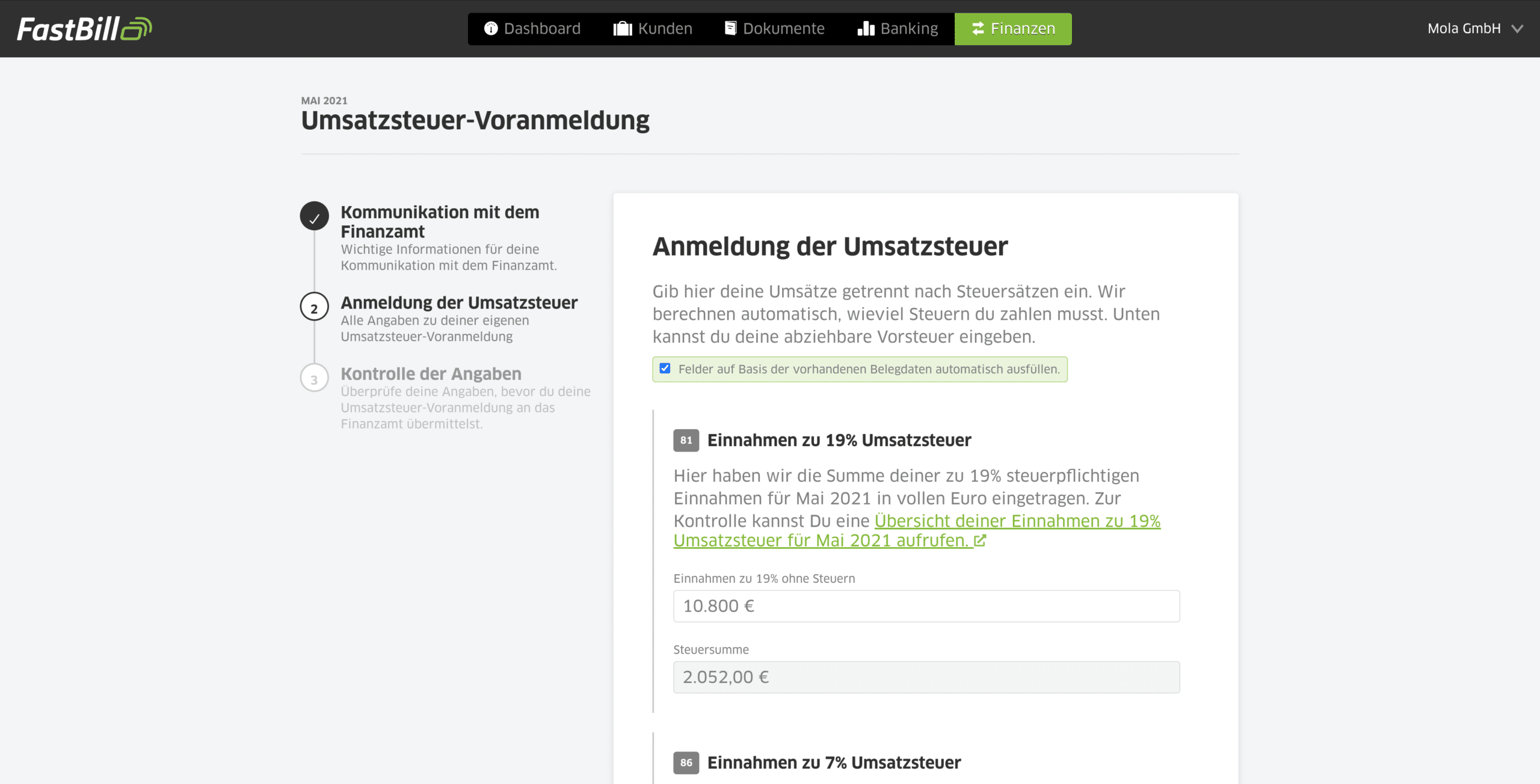
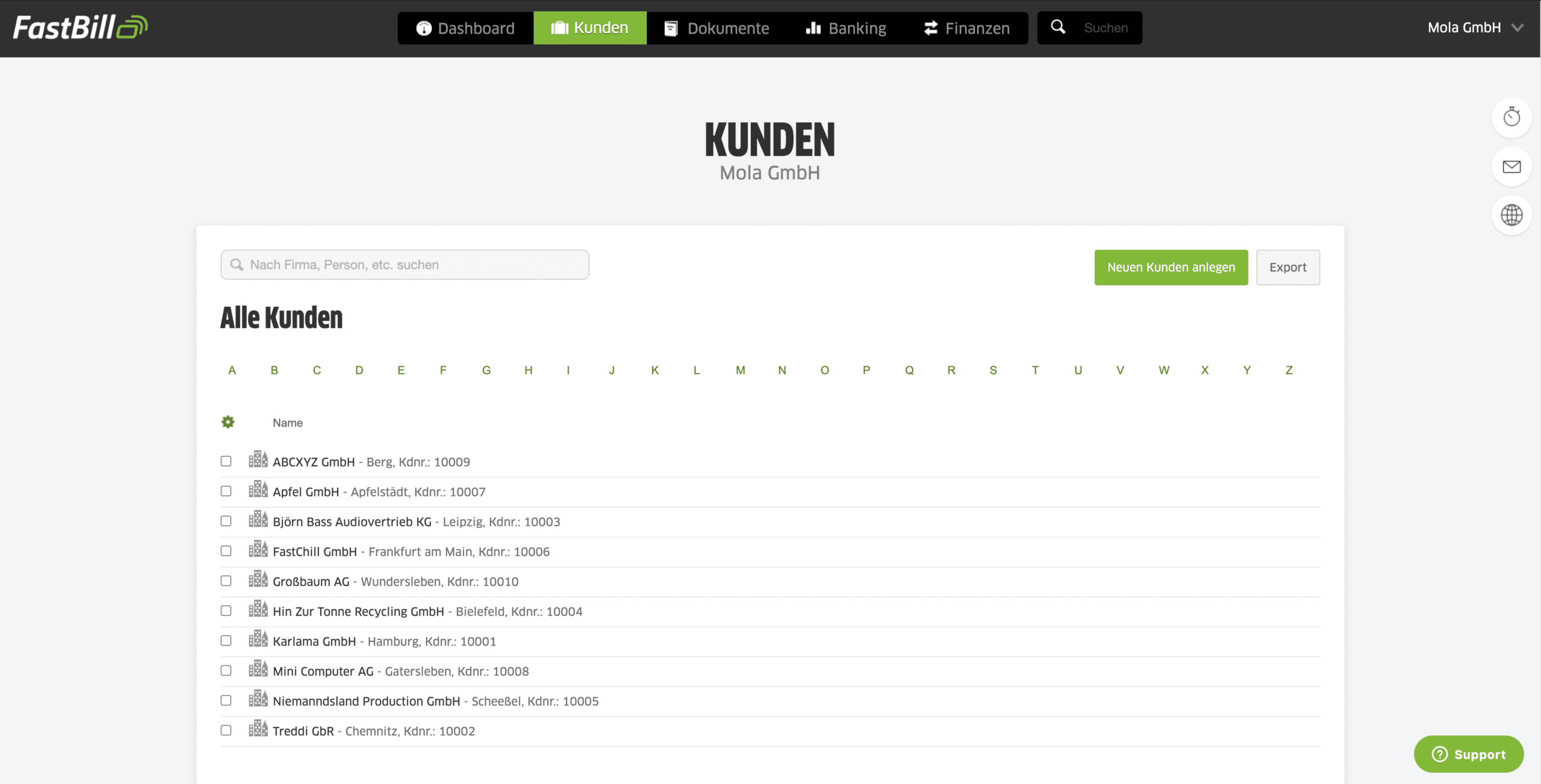
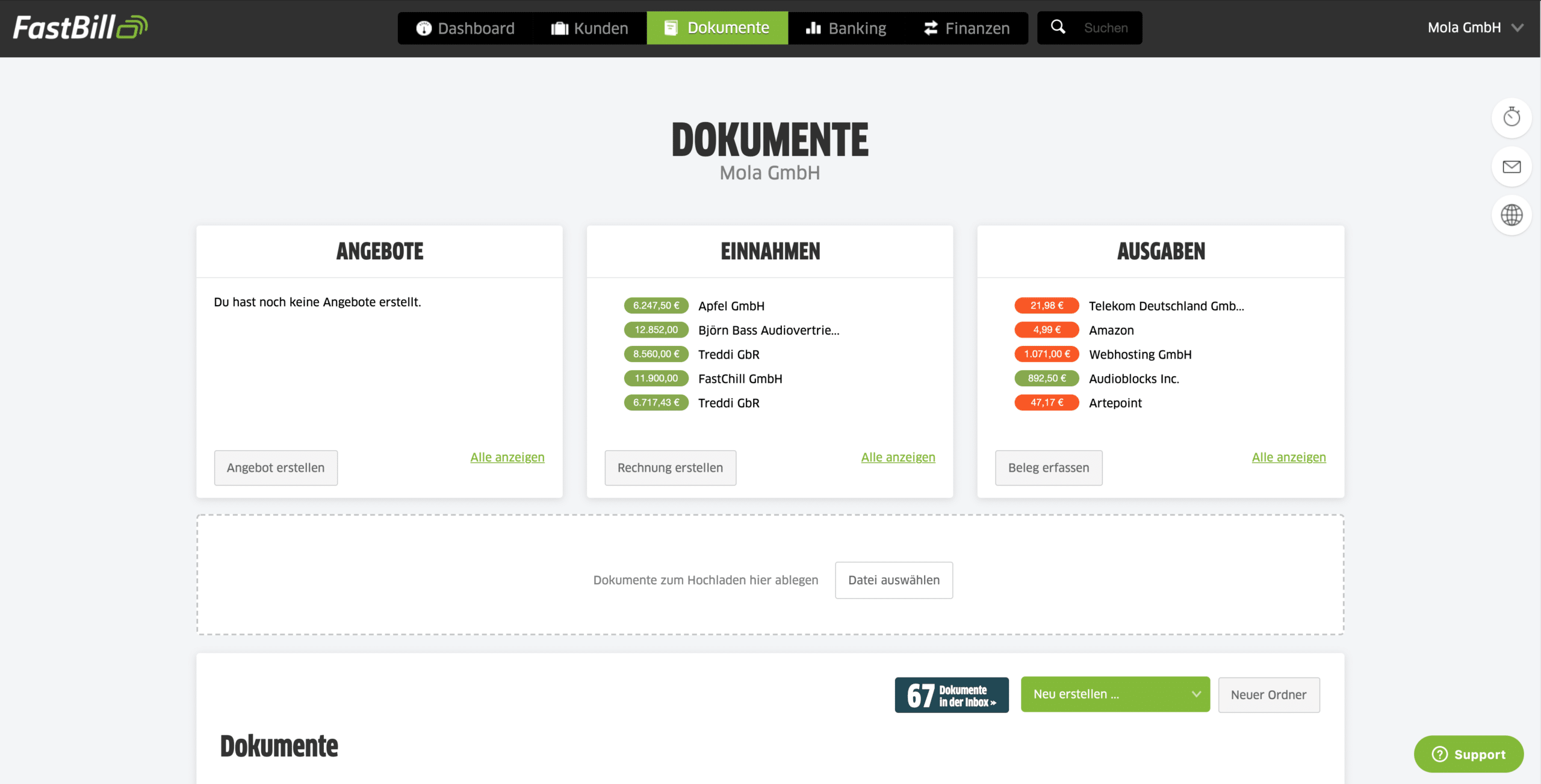
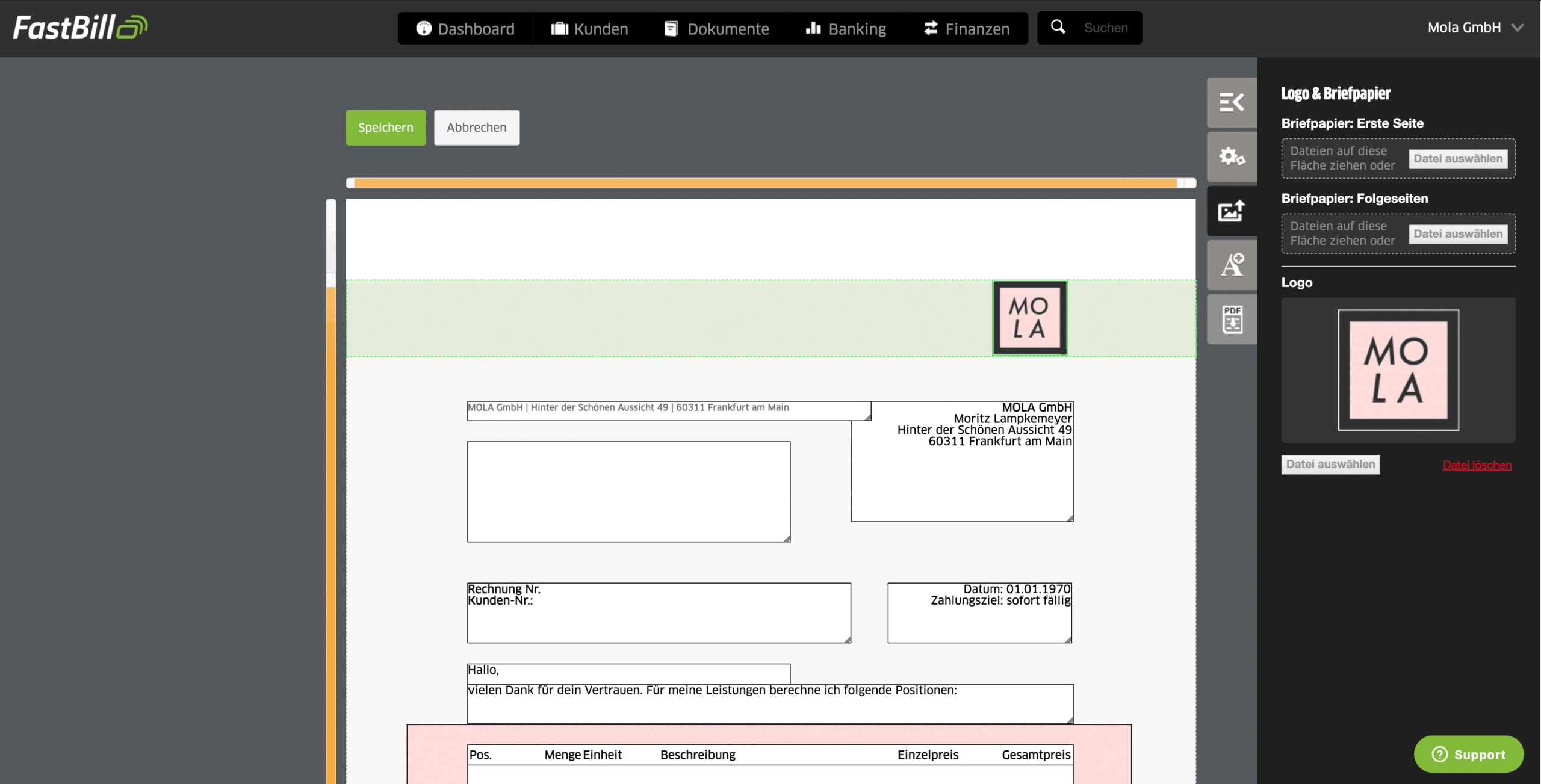
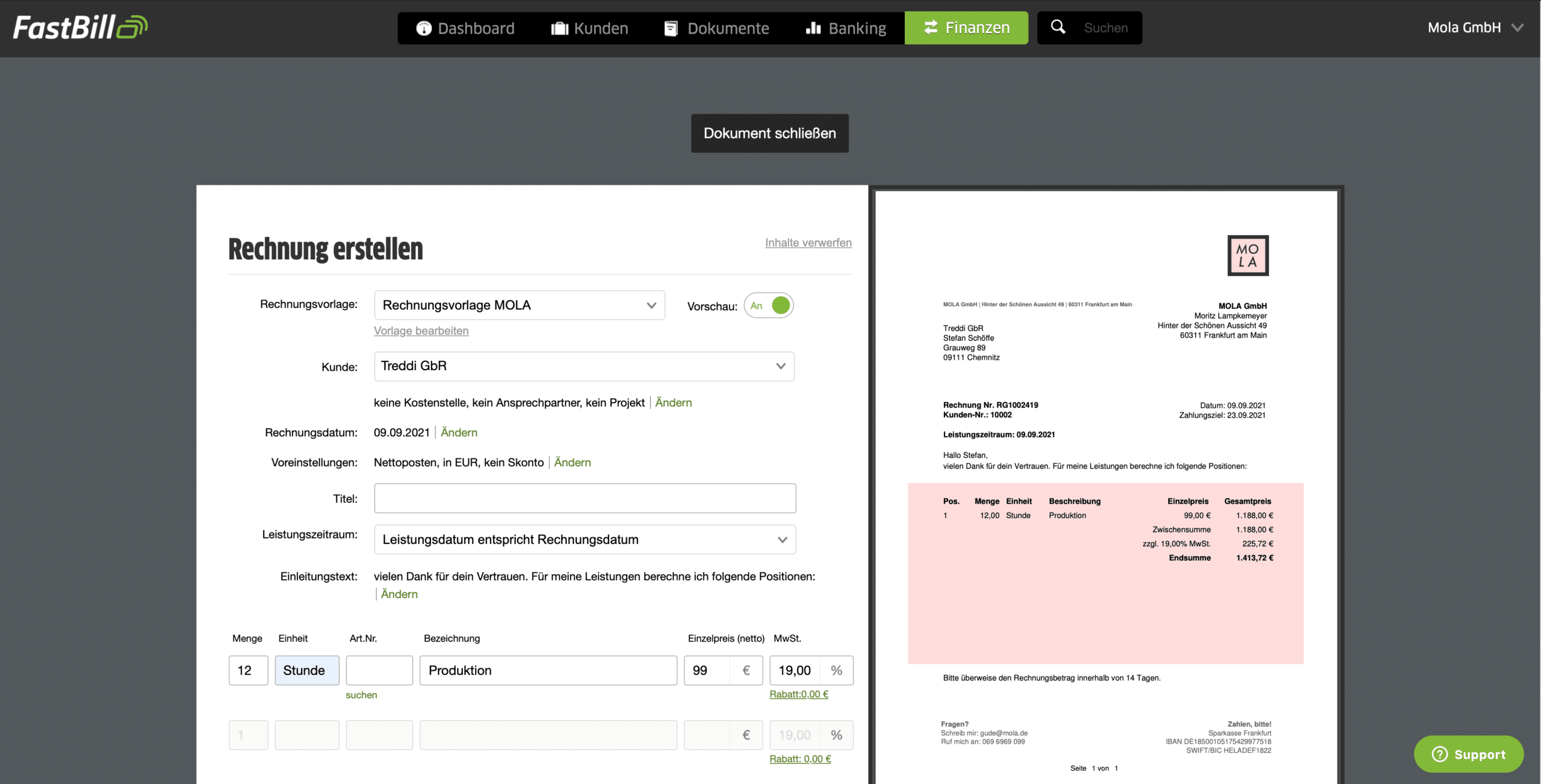
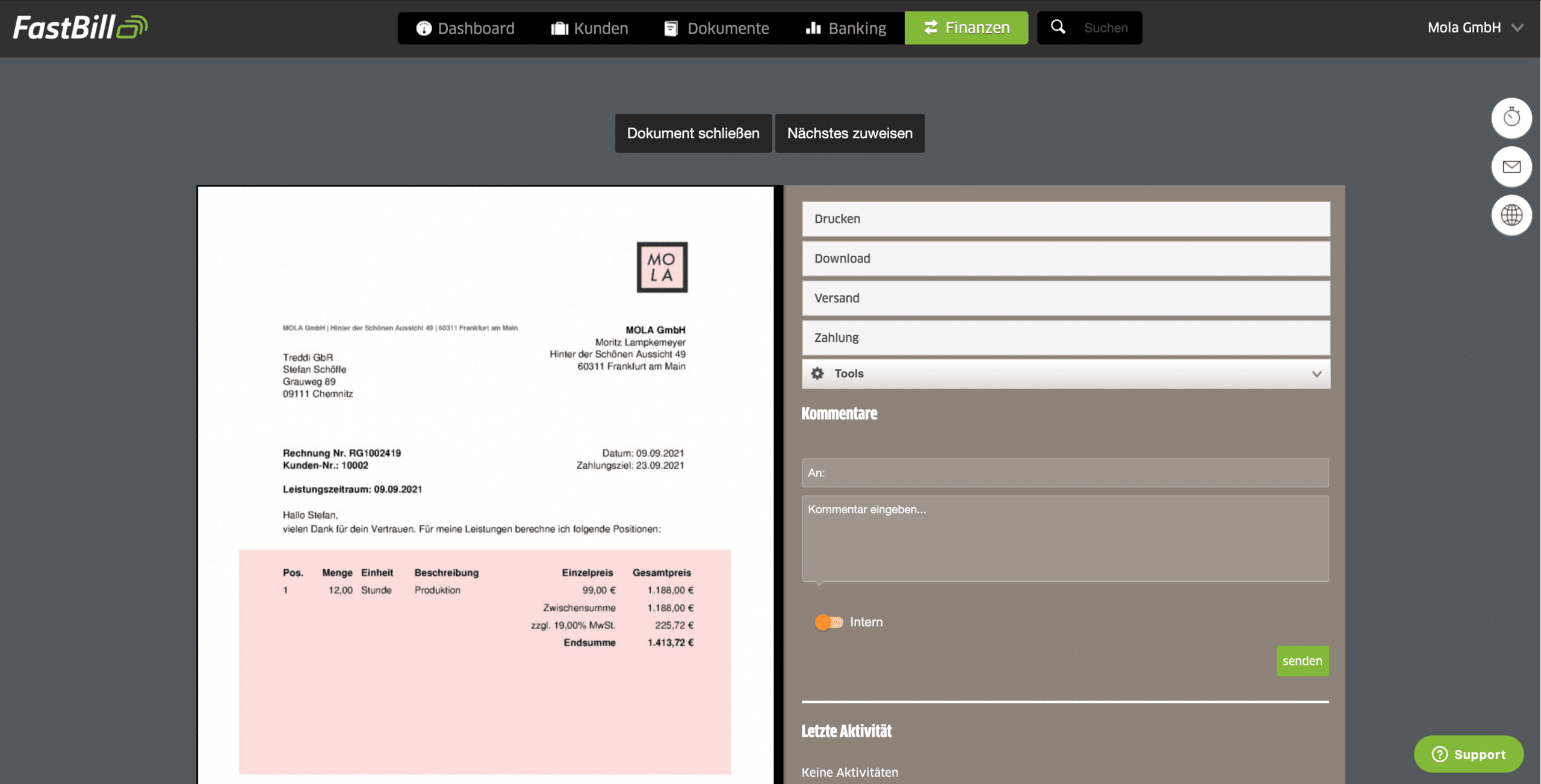
Screenshots of FastBill
Integration
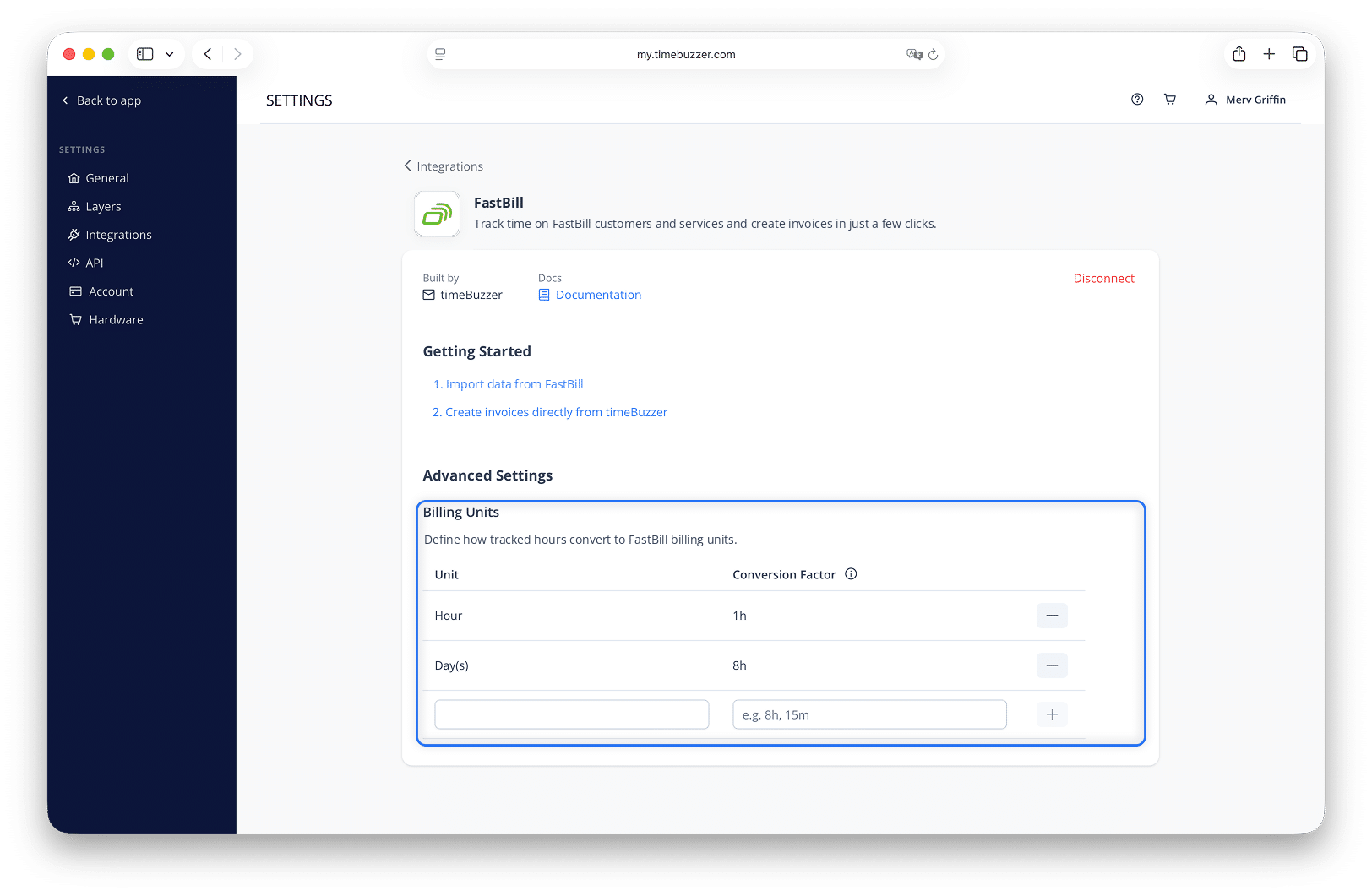
Screenshots of the Integration
FAQ
Most frequently asked questions about FastBill
Who is FastBill suitable for?
FastBill is built for freelancers, the self-employed, and small businesses. More than 70,000 customers in the German-speaking market use it, from solo founders to small agencies and online shops. The company is based in Frankfurt am Main and has been offering its online service since 2007.
Which FastBill plan do I need for the timeBuzzer integration?
The FastBill API is included in every plan, so the integration works from the Solo plan onwards. The hourly API limit depends on your plan: 50 calls in Solo, 100 in Plus, 500 in Pro, and 1,000 in Premium.
Can I test FastBill for free?
What software or hardware do I need?
Is FastBill GoBD compliant?
Yes. FastBill stores your documents in a GoBD-compliant and audit-proof way, and it supports the VAT return via ELSTER as well as DATEV export.
Can FastBill create e-invoices?
Can I connect my online banking to FastBill?
How much does FastBill cost?
You can find the current prices at https://www.fastbill.com/preise
Is my data secure?
FastBill runs its servers in a data center in Germany, transfers data over an encrypted connection, and offers two-factor authentication for your login. Storage is GDPR-compliant and archiving is unlimited.
Help & Contact
Do you have any further questions about FastBill?
Free service hotline: +49 69 34877290 (Mon–Fri; 9:00 a.m.–5:00 p.m. CET)
Email support: [email protected]
Help Center: https://support.fastbill.com/hc/de (German only)
Please note that use of the extension is subject to the terms and conditions, and the Privacy Policy of FastBill.